
PTO Tracking Software for Employees
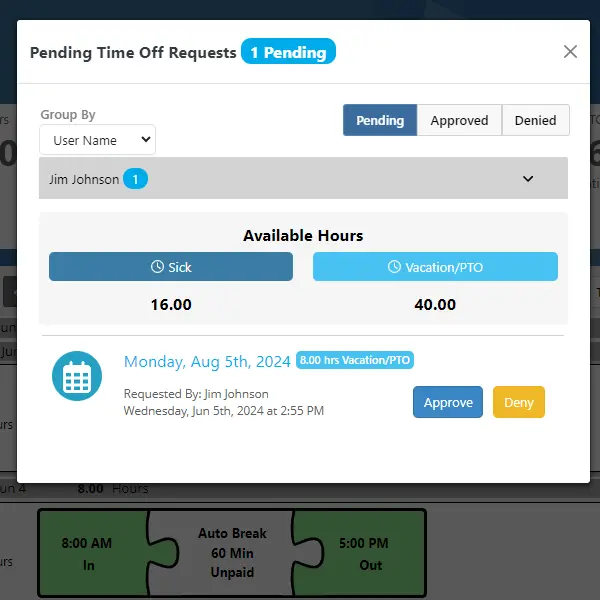
TimeTrakGO’s PTO tracking software simplifies the management of employee paid time off. Easily monitor vacation and sick leave balances, automate accrual rules, and keep every policy detail organized in one place, with convenient access for both administrators and employees.
Eliminate the hassle of managing complex accrual formulas, carryover limits, and usage caps by hand. Automate them with TimeTrakGO, so your PTO policy runs itself.
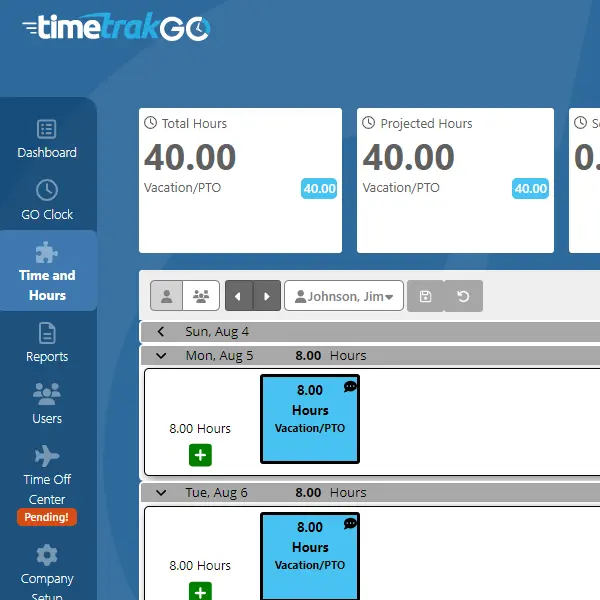
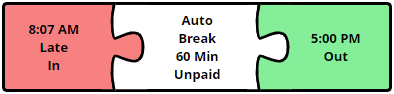
PTO Staffing Calendar
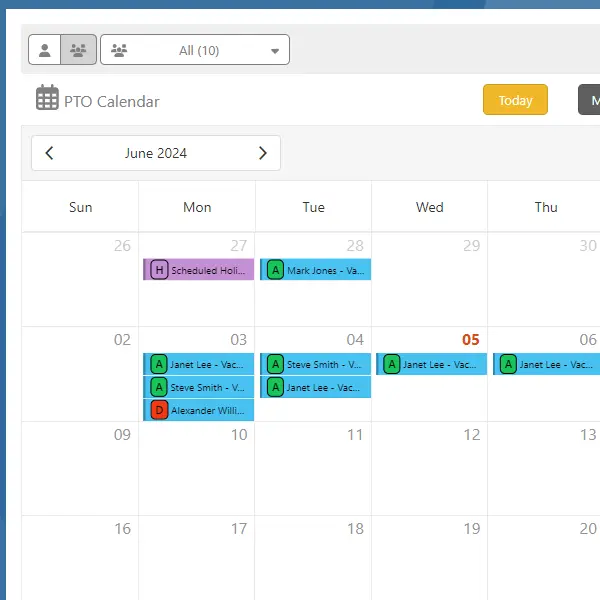
The built-in PTO calendar gives managers a complete view of team availability. See who’s approved for time off today, this week, or any point in the future, alongside scheduled shifts and company holidays, all in one place.
This staffing view makes it easy to spot coverage gaps before they become a problem, whether you’re planning ahead for a holiday week or just checking who’s around this afternoon.
Automatic PTO Accrual Rules
Create custom PTO rules with flexible accrual options such as yearly, monthly, pay period, hourly, or percentage-based, and automate your leave policy however it’s structured.
Because every rule is fully customizable, TimeTrakGO adapts to your policy instead of forcing your policy to fit a rigid system. Set up separate rules for sick leave, vacation, and floating holidays, and assign different rules to different employee groups if your policy varies by role, location, or tenure.
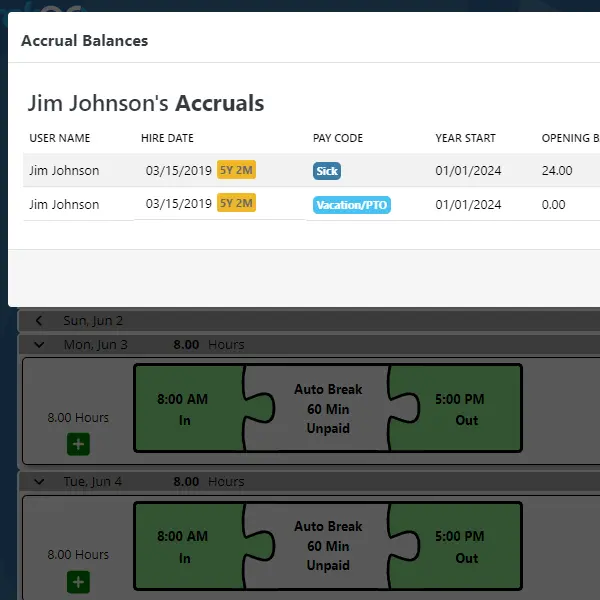
Example PTO Rules
- Yearly: Earn 24 hours of Sick leave per year.
- Yearly Anniversary: Get 40, 80, or 120 hours of Vacation based on service, awarded annually on your anniversary date.
- Monthly: Earn 4 hours of Sick leave each month.
- Pay Period: Accrue 8 hours of Vacation each pay period (weekly, bi-weekly, etc.).
- Hourly: Receive 1 hour of Sick leave for every 40 hours worked.
- Hourly Percentage: Earn 2.5% of your worked hours as Vacation time.
Carryover and Maximum Taken Hours
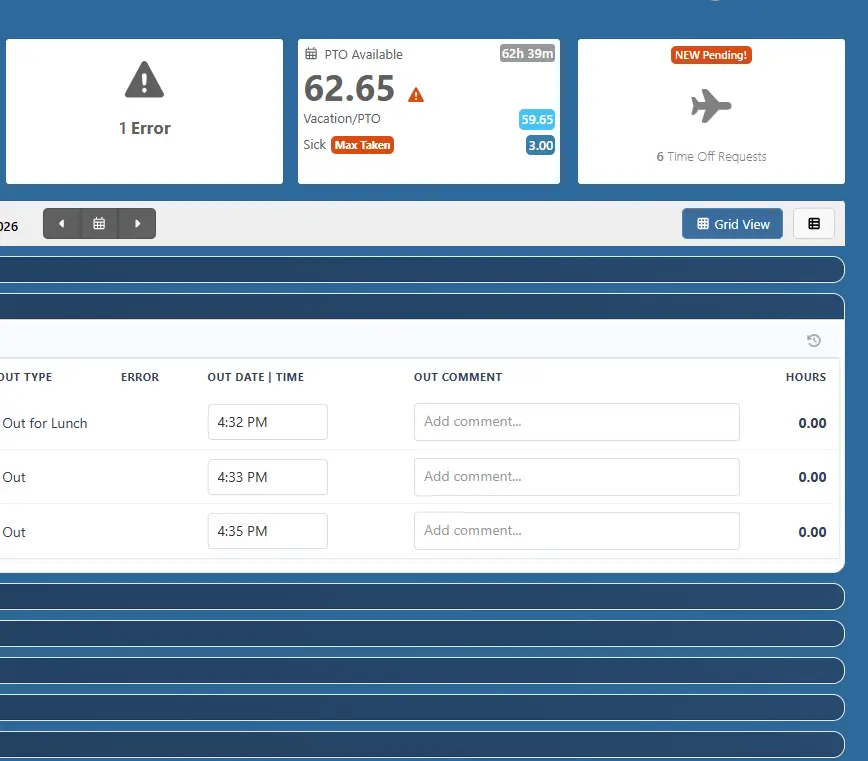
TimeTrakGO lets you set carryover limits for each accrual rule, so unused balances roll over up to a cap you choose, or expire under a use-it-or-lose-it policy.
You can also set a Maximum Taken Hours limit, capping how much time an employee can actually use in a year, separate from how much they accrue. Michigan’s Earned Sick Time Act works this way: unlimited accrual, but usage capped at 72 hours a year for larger employers, 40 for smaller ones.
We’re not attorneys, so confirm your state’s requirements with legal counsel. Once you know the numbers, TimeTrakGO can enforce them automatically.
PTO Balances and Reporting
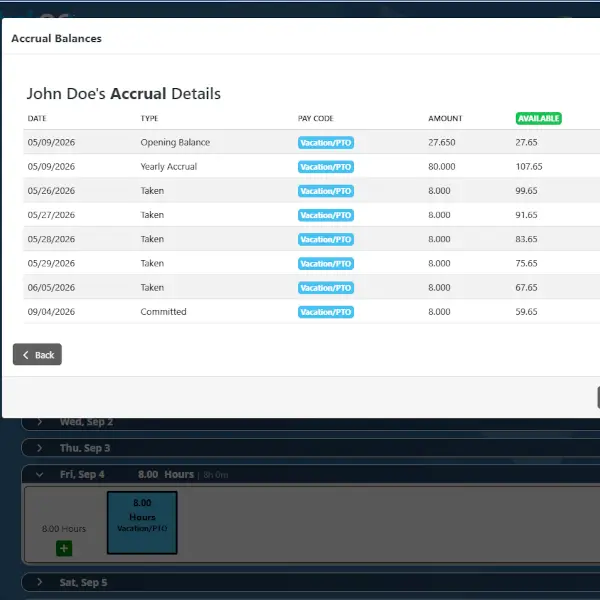
Give administrators and employees real-time visibility into exactly where every balance stands. Detailed reports and dashboards show accrued, used, and available time at a glance, so nobody has to dig through spreadsheets or guess.
That transparency cuts down on the back-and-forth between employees and HR. When someone can check their own balance anytime, “how much PTO do I have left” stops being a question that lands in your inbox.
Mobile Balance Access
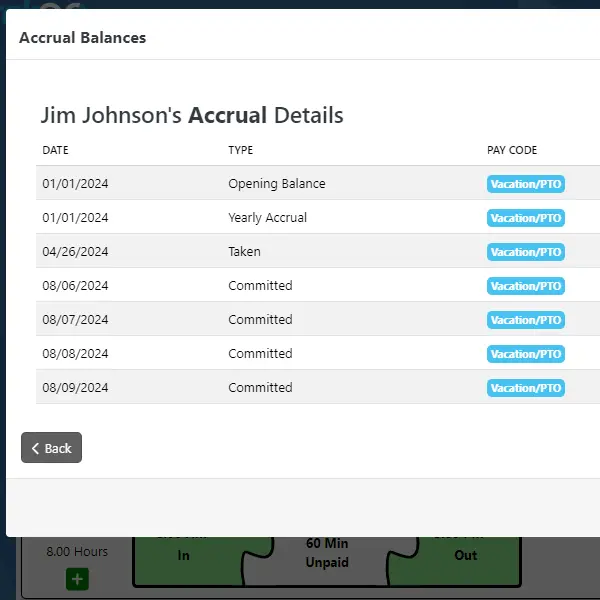
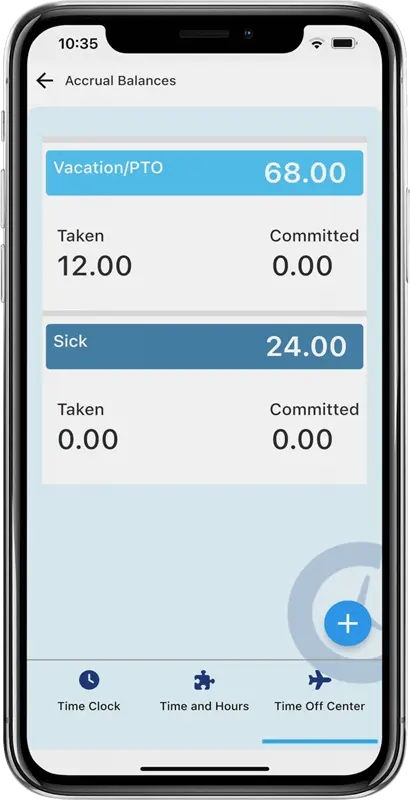
With our mobile app, employees can check their PTO balances and accrual history anytime, from anywhere, right from their phone. No more waiting on an email back from HR to find out how many vacation days are left before booking a trip.
Every accrual is reflected in real time, so the balance an employee sees always matches what’s on the books. They can look back through their accrual history too, to see exactly when and how their current balance built up.
For added flexibility, the app can be restricted to PTO access only, so employees see just their leave information without needing full time clock access. It’s a simple way to give office staff, contractors, or anyone who doesn’t punch a time clock the same self-service visibility into their PTO.
PTO Tracking & Management Software: Frequently Asked Questions
TimeTrakGO
Time Clock Software Benefits
Employee Time Clock Options
Integrate various clocking options for your entire workforce.
