
Remote Employee Time Clock
TimeTrakGO is a time tracker built for remote and hybrid teams, wherever your employees are working from, home, a shared office, or somewhere in between.
Employees clock in and out the same way wherever they work. Their hours are collected in one place and ready for review before being sent to payroll.
It works just as well for fully remote teams as it does for on-site employees who occasionally work from home, so you don’t need a separate system for each.
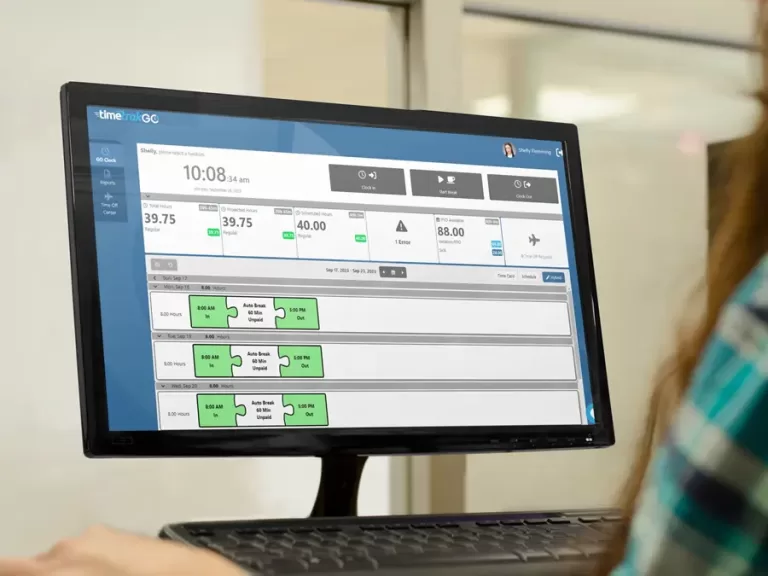

The Right Time Tracker for Work-From-Home and Hybrid Teams
Tracking time for a distributed team means balancing two things: accurate hours and reasonable trust. TimeTrakGO’s time tracker gives you the data you need, clock-in and clock-out times, breaks, and total hours, without invasive monitoring like screenshots or keystroke logging.
Hybrid employees use the same time tracker in the office and at home. Whether they clock in from a company laptop, personal device, or the mobile app, their time is recorded in the same system.
This also helps with wage and hour compliance across different states, since remote teams are often spread across multiple jurisdictions with different overtime and break rules.
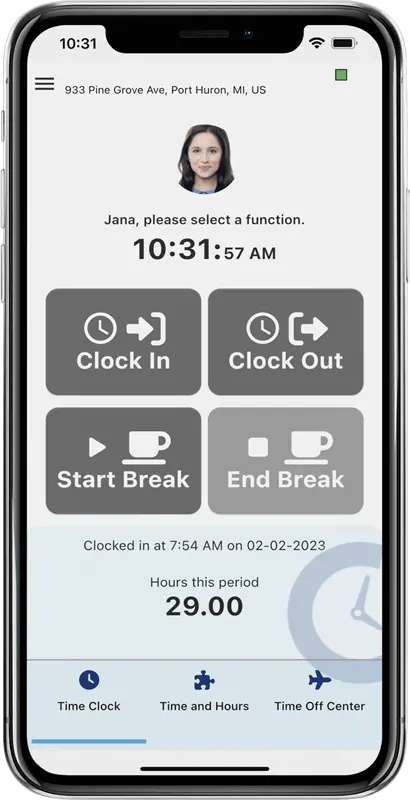
Mobile App or Browser Based
Your remote team isn’t one-size-fits-all, and your time tracker shouldn’t be either. TimeTrakGO gives employees two easy ways to clock in: a mobile app for anyone on the go, and a web-based time clock for employees working from a home office.
The mobile app is built for employees traveling for work, attending off-site meetings, or working from home, with just a tap to clock in or out. For employees who work primarily from a home office, the browser-based time clock gives them a familiar, no-download way to track hours from any computer.
Either way, the data lands in the same dashboard, so managing a mixed remote and in-office team never means juggling two systems.
GPS, Geofence, and IP Restrictions
Managing a remote or hybrid team’s time comes with unique security considerations. TimeTrakGO offers several features designed to address these concerns while fostering trust with your employees.
For situations requiring location verification, our mobile app can capture GPS location data during time punches. Need more control? Enable the optional Geofence feature to restrict clocking to only authorized locations.
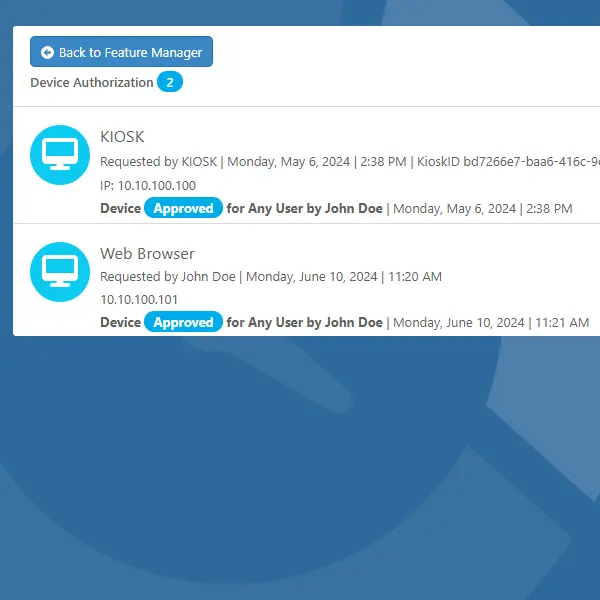
Finally, IP whitelisting secures your web-based time clock by limiting access to authorized devices with pre-approved IP addresses or specific computers.
Real-Time Reporting and Punch Detail
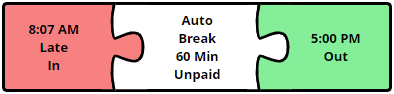
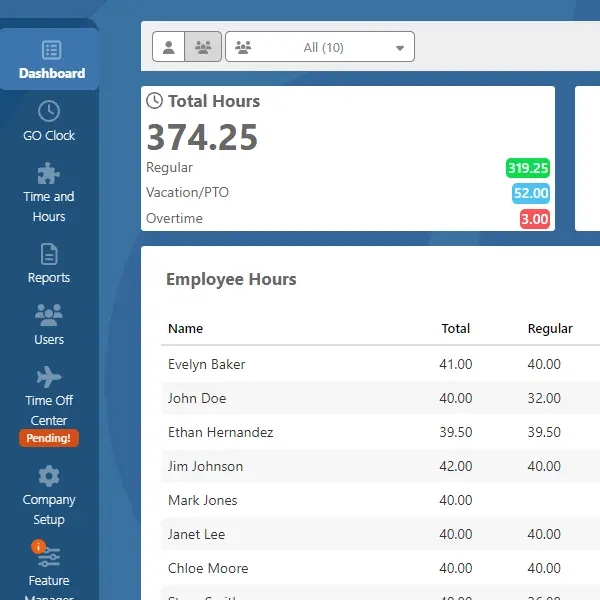
Managing a remote or hybrid team means you can’t just walk the floor to see who’s working. TimeTrakGO’s dashboard gives you the same visibility, real-time reporting, and detailed punch information for every employee, wherever they’re clocking in.
See daily, weekly, and pay-period hours instantly, plus a live In/Out board so you always know who’s working right now.
Managers can review time throughout the pay period and address discrepancies or unexpected overtime before payroll closes
Remote Employee PTO Tracking
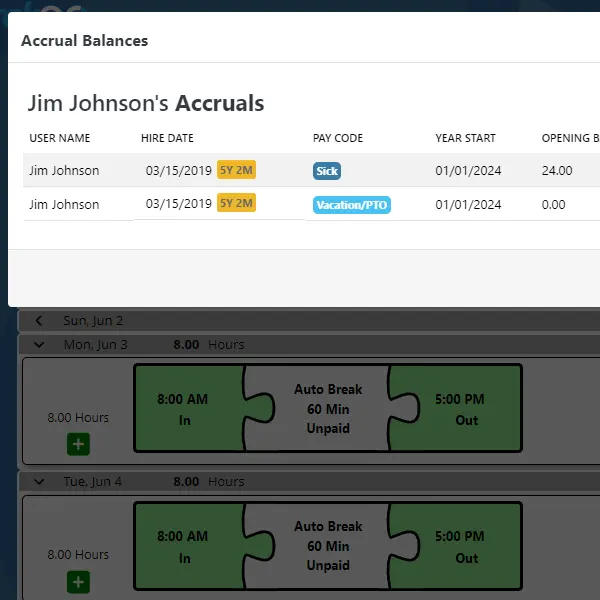
Managing time off for a remote or hybrid team shouldn’t mean a chain of emails and guesswork. TimeTrakGO lets employees submit PTO requests electronically, specifying leave type, dates, and an optional comment.
Managers review and approve requests directly in the software, so approvals stay documented and nobody has to guess who’s out and when.
Frequently Asked Questions
TimeTrakGO
Time Clock Software Benefits
Employee Time Clock Options
Integrate various clocking options for your entire workforce.
Finally, employee time clock software that’s simple to use.

Capterra
Shortlist
2026

Software Advice
Best Customer Support
2025

Software Advice
Front Runners
2026

Capterra
Best Value
2026
