
PIN Entry Time Clock for Employees
Turn an ordinary tablet into a simple, no-hardware PIN entry time clock in just minutes.
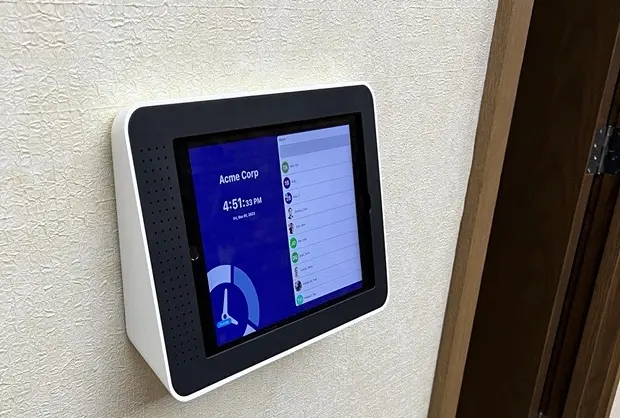
TimeTrakGO’s PIN entry system turns an iPad or Android tablet you already own into a secure employee time clock, no badges, no biometric scanners, no dedicated hardware to buy.
Employees enter a unique code and tap to clock in or out. It’s the simplest and most affordable clock-in method TimeTrakGO offers, set up in minutes and ready to use the same day.
Easily Clock In and Out with a Simple PIN
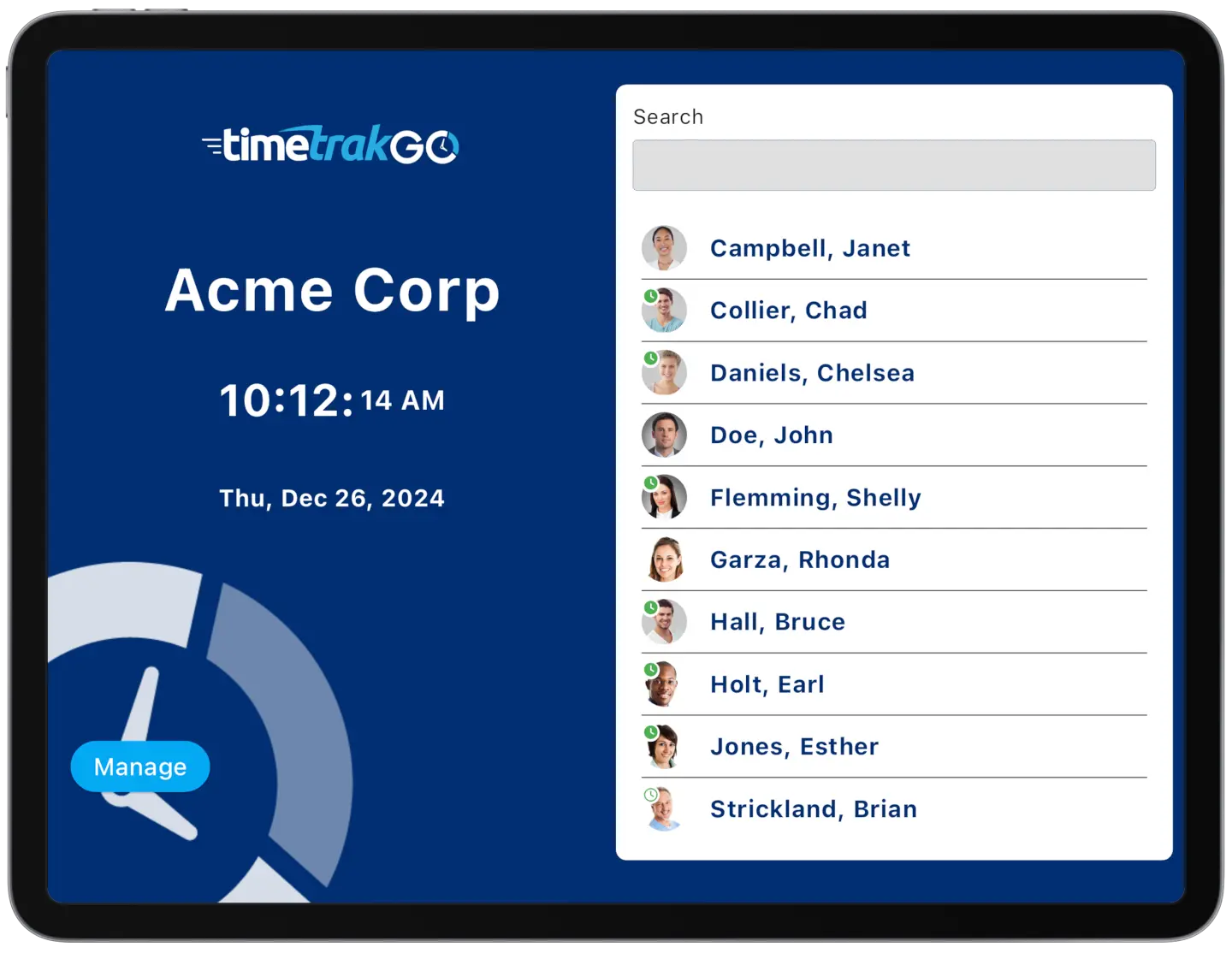
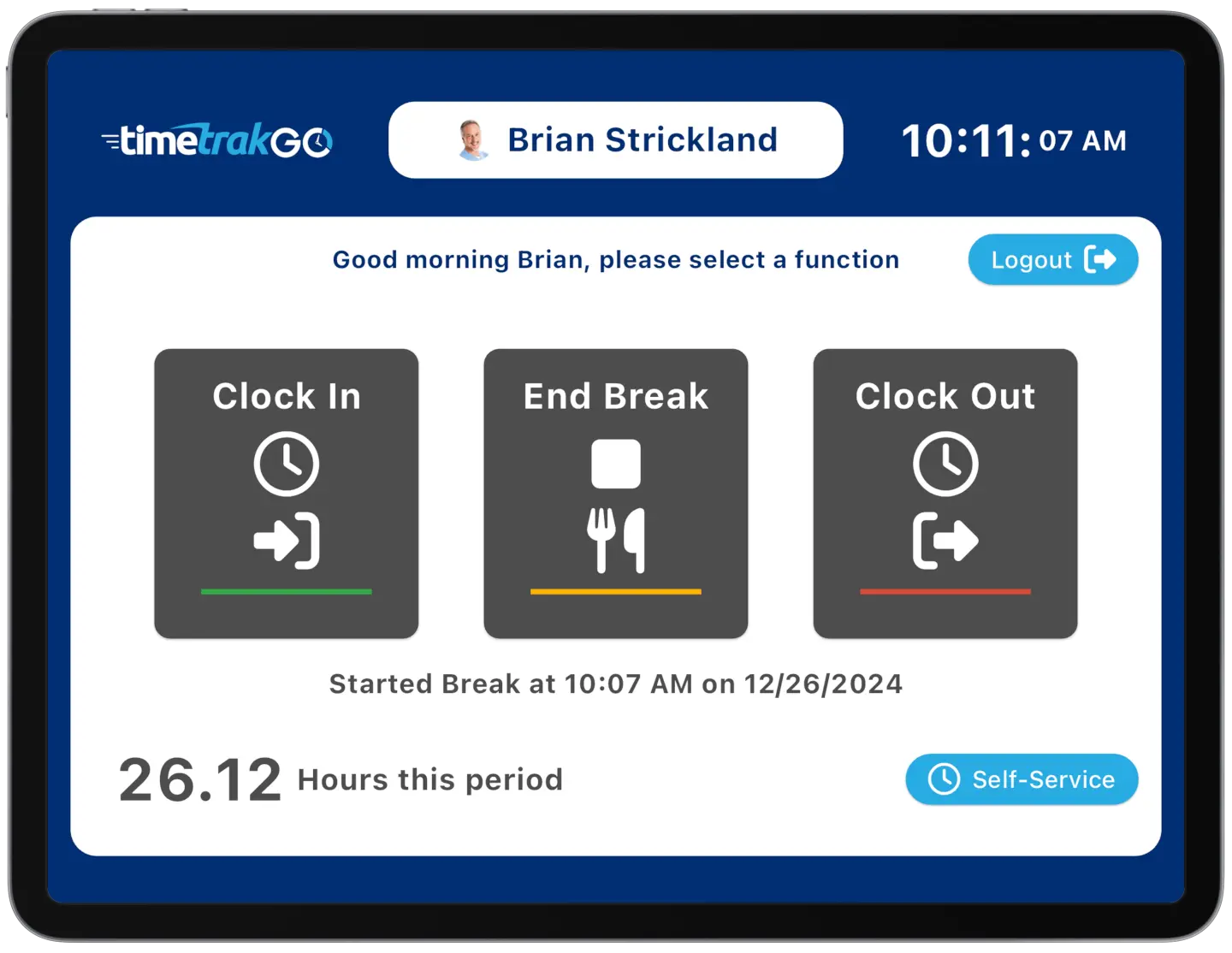
Employees walk up to the tablet, enter their personal PIN, and tap to clock in or out, done in a few seconds. There’s no badge to swipe, no card to lose, and no fingerprint scan to line up just right.
If your team wants something simple and familiar, a tablet is about as low-friction as clocking in gets.
Intuitive Employee Self-Service
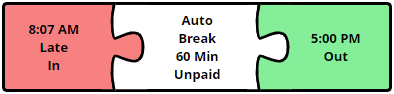
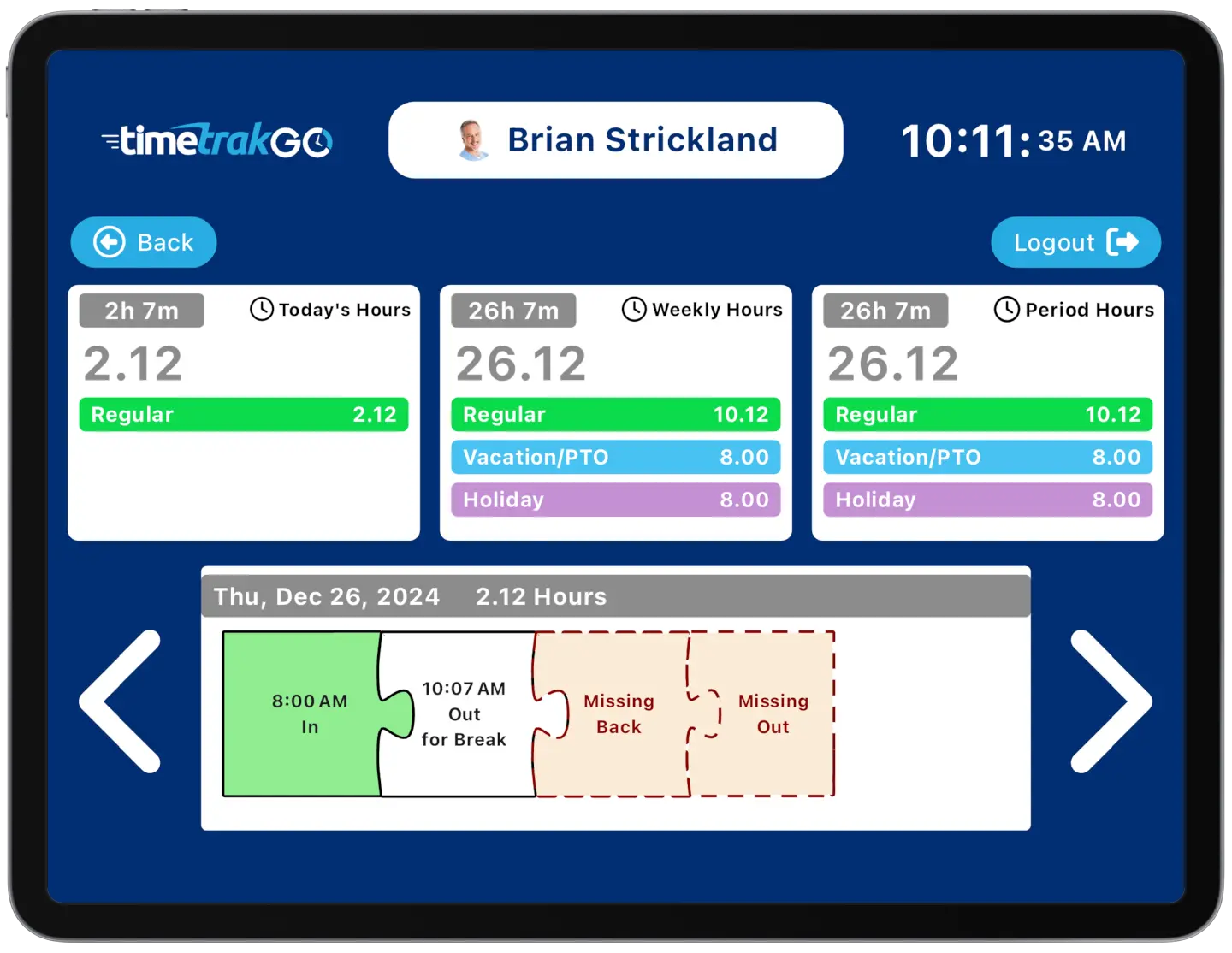
Right from that same tablet, employees can check their own hours without pulling anyone away from their job. A few taps show daily, weekly, and pay period totals, and our graphical time cards give a clear visual of every punch, so if someone forgets to clock out, it’s obvious immediately instead of surfacing three weeks later at payroll.
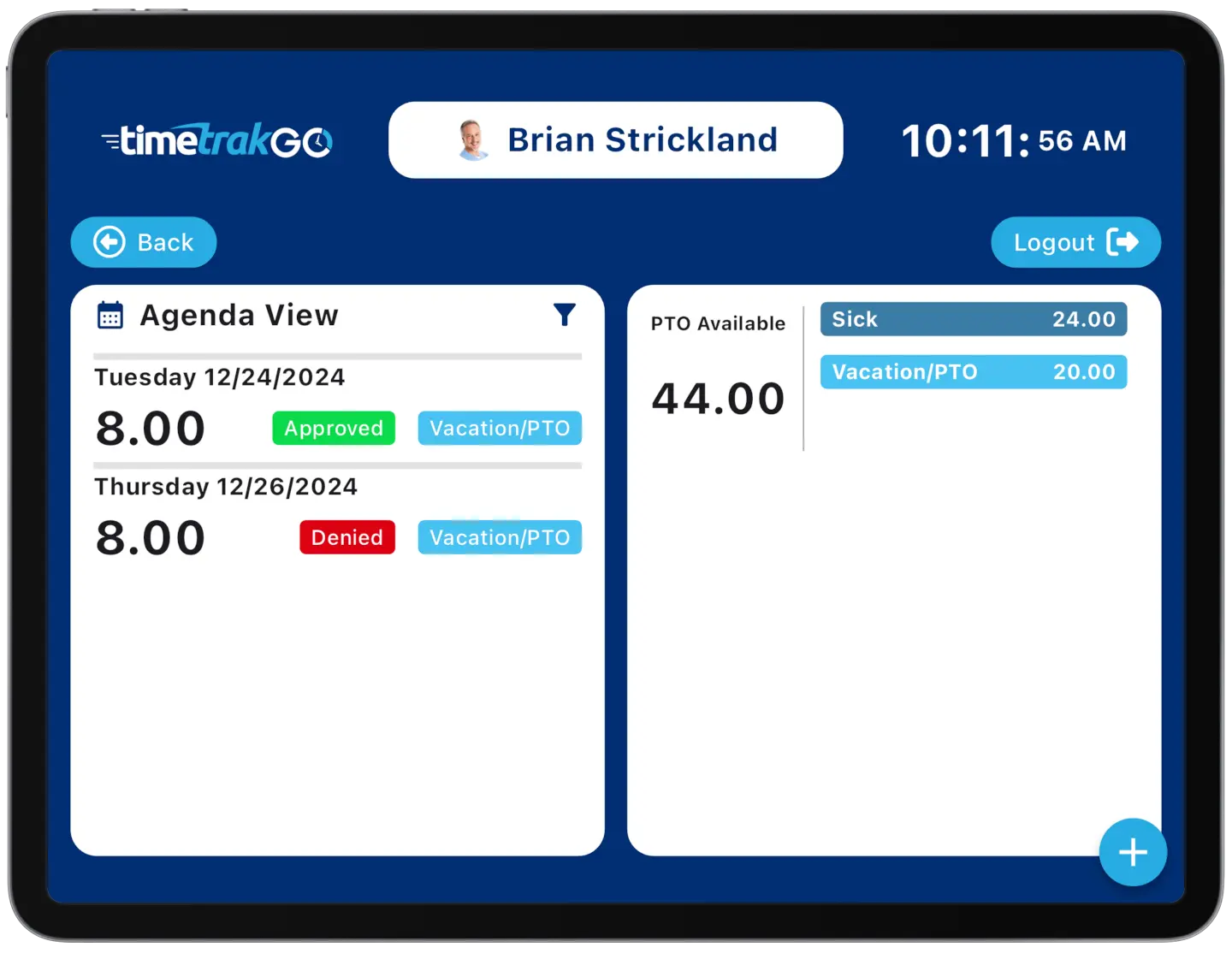
Time Off Requests
The same tablet employees use to clock in also lets them request time off on the spot, no separate app or portal to log into.
They can submit a time off request, check the status of a pending one, and see their available PTO balance right there before they walk away, so there’s no guessing or waiting on a reply from HR.
Replaces Traditional Time Clocks
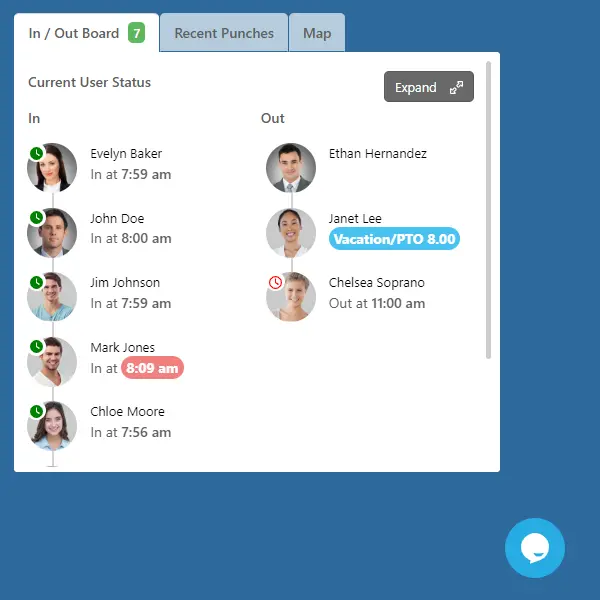
PIN entry replaces the mechanical punch clock and the binder of paper timesheets with a tablet you already own. Employees clock in and out in seconds, and you get real-time data instead of waiting for the end of the week to find out who worked what.
One honest tradeoff worth knowing: because a PIN is just a number, employees can share codes with each other, so PIN entry doesn’t stop buddy punching the way fingerprint or facial recognition does.
If preventing buddy punching is your main concern, our facial recognition or fingerprint options are worth a look. If ease of use and cost are the priority, PIN entry is hard to beat.
Additional Time Clock Features
Beyond the basics, a few features matter once you’re actually running payroll:
- Role-Based Access: Give administrators, supervisors, and employees different levels of access, so a supervisor can approve time off without seeing full payroll settings.
- Payroll Integration: Hours worked, including overtime, calculate automatically and export directly to ADP, Paychex, QuickBooks, Paylocity, Heartland, Sage 50, and Gusto.
- Audit Trails: Every change to a punch or user profile is logged, so if a time gets edited, you can see who changed it and when.
PIN Entry Time Clock: Frequently Asked Questions
TimeTrakGO
Time Clock Software Benefits
Employee Time Clock Options
Integrate various clocking options for your entire workforce.
