
TimeTrakGO Logo
Android Time Clock App for Employees2026-08-06T20:35:18+00:00

Time Clock App for Android Tablets

Turn an Android tablet into an employee time clock in just minutes with our app!

Turn any Android tablet into an employee time clock with PIN entry or facial recognition to clock in and out. Employees tap the screen or look at the camera, no paper timesheet to fill out or misplace.

Punches sync to real-time reports, so you can see who’s clocked in right now and review hours without waiting for payroll week.

Whether you’re tracking five employees or five hundred, the same tablet and app work for both, no separate hardware to buy as your team grows.
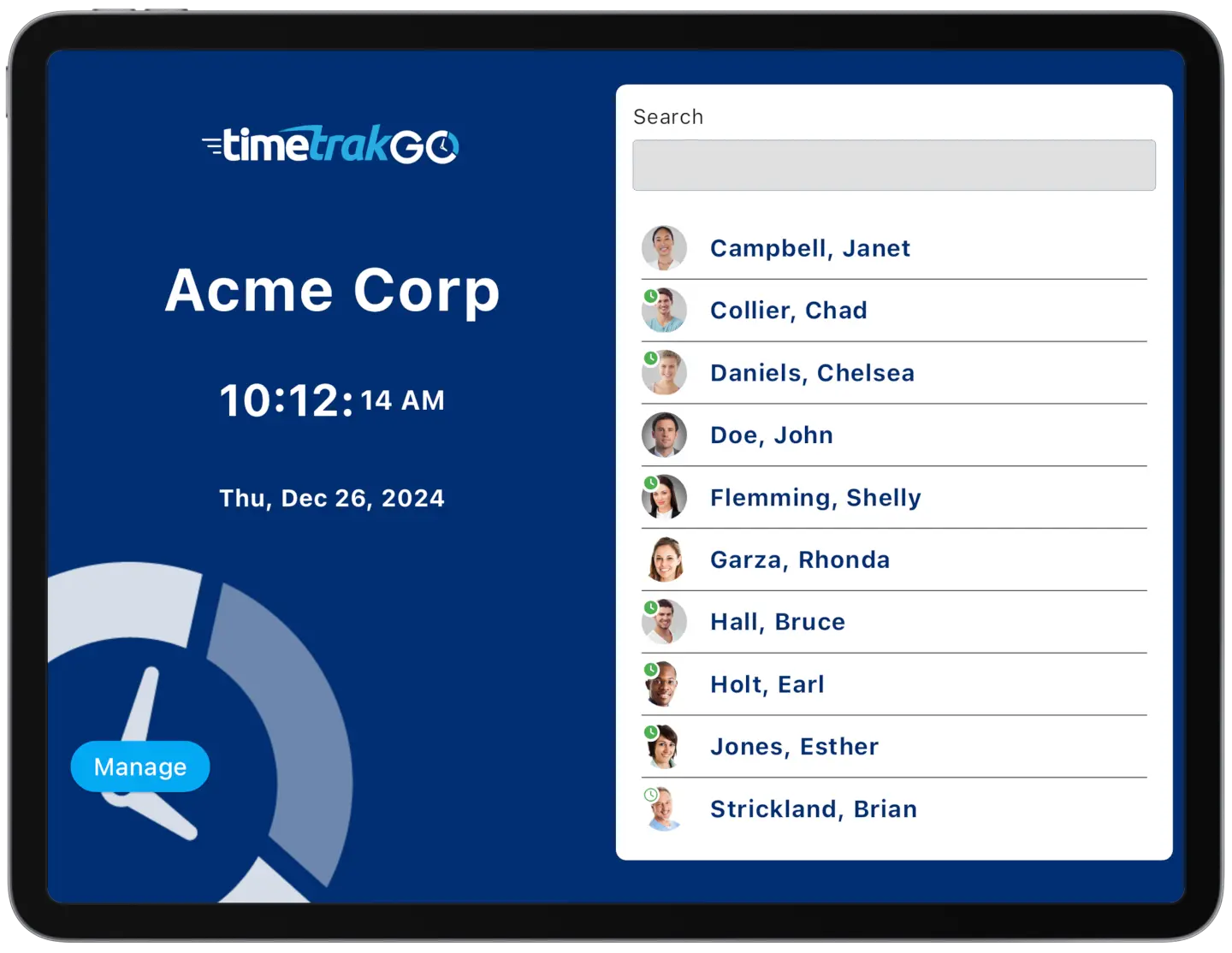
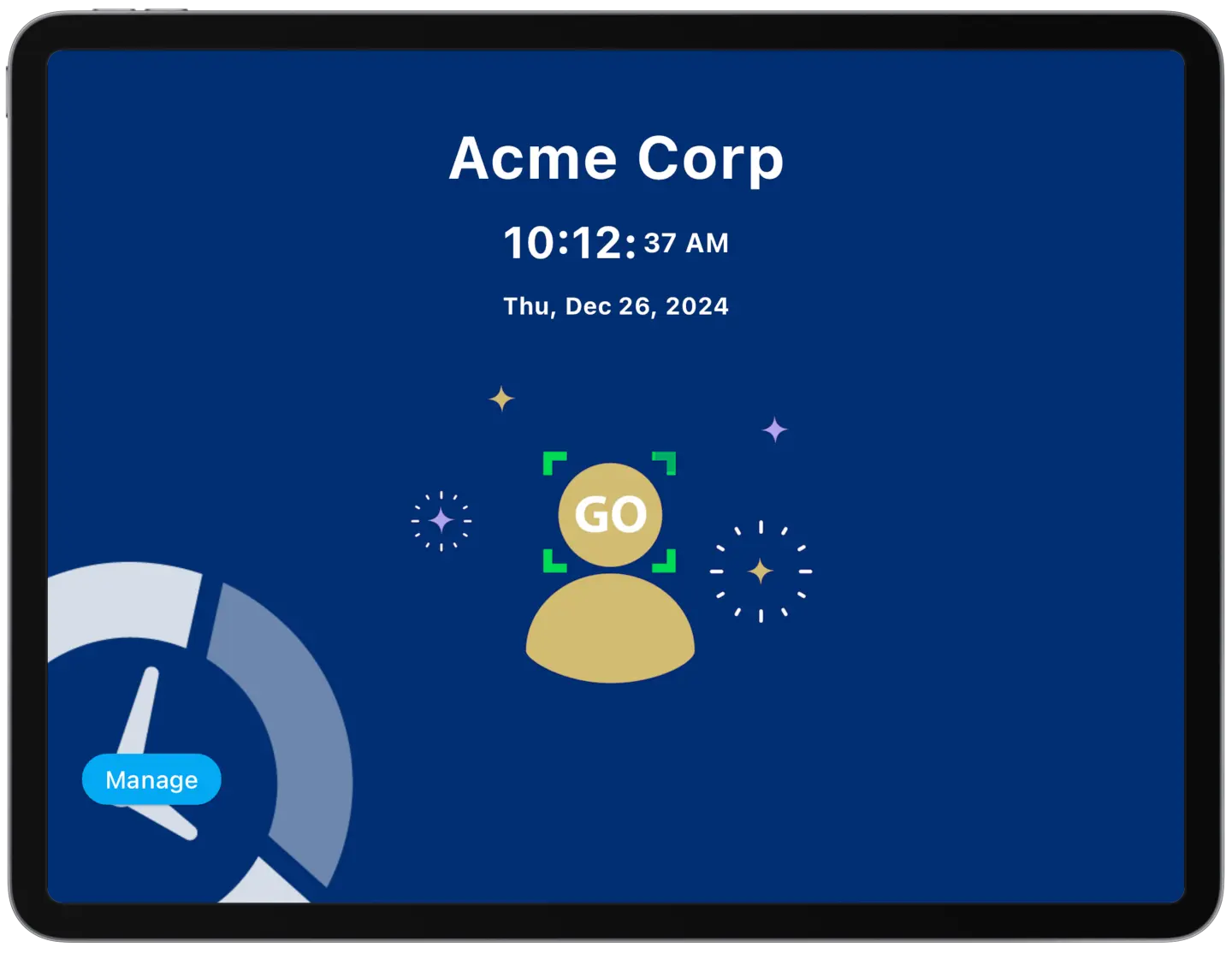
employee time clock app running on android tablet
tablet app home screen on android device

Choose PIN Entry or Facial Recognition

Our Android app gives employees two ways to clock in: a PIN entry option or optional facial recognition to cut down on buddy punching and unauthorized access.

Setup takes a few minutes: install the app, choose PIN or facial recognition, and your tablet is ready to use as a time clock.
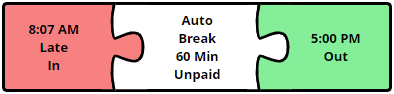
time clock software errors

Simplify Employee Time Tracking

Try Free for 14-days

Intuitive Employee Self-Service

Employees don’t have to ask a supervisor to check their hours. Daily, weekly, or full pay period totals are all right there on the tablet.

The graphical timesheet lays out each punch as a visual timeline rather than a plain list of numbers, so an employee can see at a glance when they actually clocked in and out for any given shift.
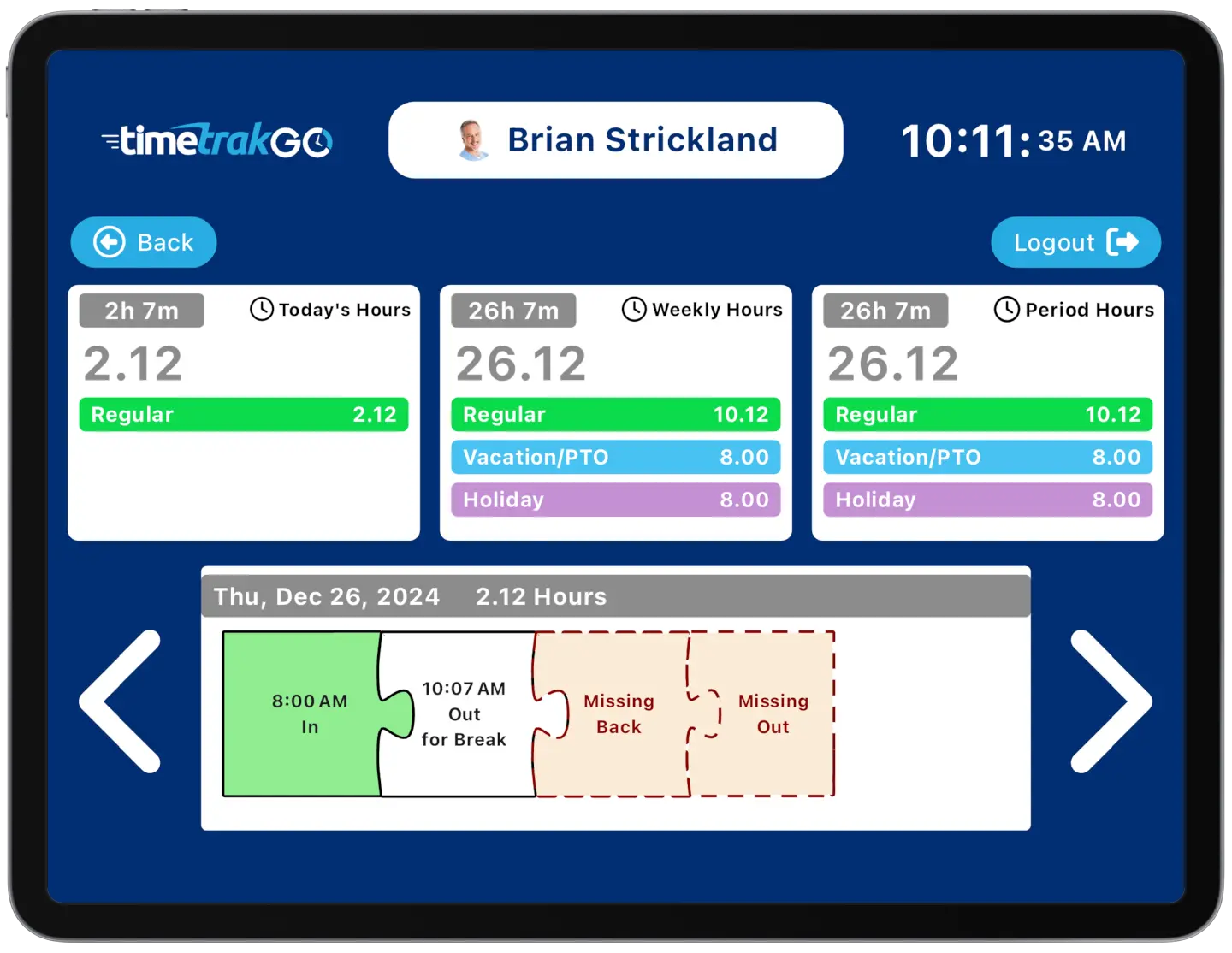
intuitive employee self-service features
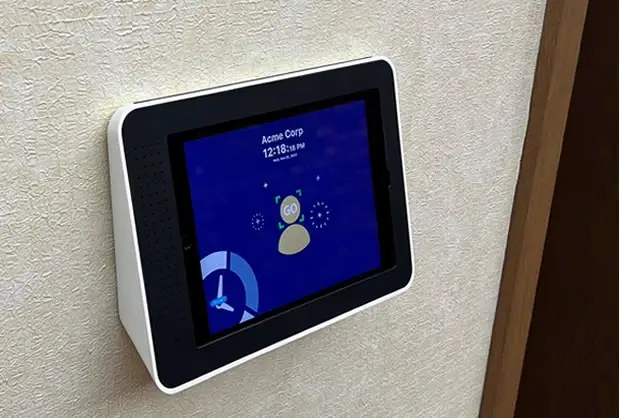
wall mounted face recognition time clock

Android App Replaces Traditional Time Clocks

A single Android tablet takes the place of a bulky dedicated time clock. Employees clock in and out with a PIN or a quick face scan, and you can pull up their hours from anywhere, no trip to the back office required.

Setup takes minutes, and there’s no proprietary hardware to buy or maintain.

Contact us today and embrace the future of the employee time clock!

Additional Time Clock Features

TimeTrakGO offers several additional key features designed to streamline time tracking, attendance management, and payroll processes for businesses

  • Employee Self-Service: Allows employees to view their own timecards, schedules, leave balances, and request time off.
  • Role-Based Access: Different security levels of access for administrators, supervisors, employees, and custom roles.
  • Payroll Integration: Automatically calculates hours worked, including overtime, and integrates with many popular payroll systems.
  • Audit Trails: Maintains change records of employee punch detail as well as user profile changes.
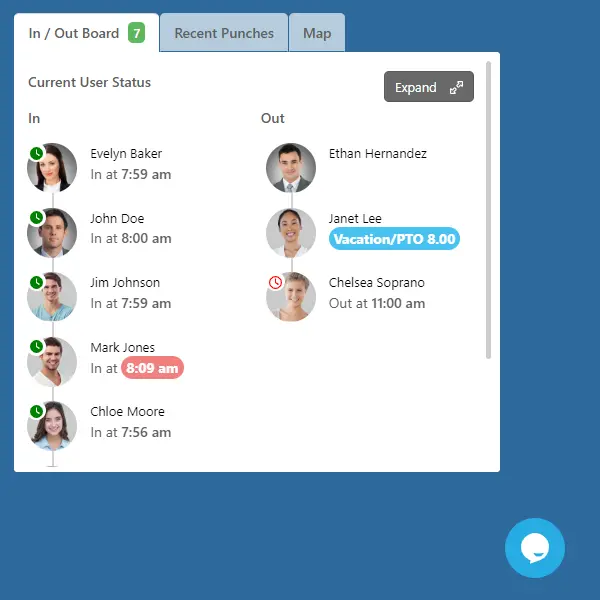
employee time clock In and Out Board

Android Time Clock App: Frequently Asked Questions

Does it work on multiple devices?2024-12-02T16:18:55+00:00

Yes, our time clock app for iOS and Android devices allows you to activate as many devices as needed.

Can it be mounted to the wall?2026-08-06T17:32:32+00:00

Yes. Wall-mounting a tablet is a common setup for a shared time clock station, it keeps the device secure and in a fixed spot so employees always know where to clock in. If you need a mount, maclocks.com and bouncepad.com both sell tablet wall enclosures built for exactly this

Can I prevent access to other Apps?2026-08-06T17:51:04+00:00

Yes. iPads have a built-in feature called Guided Access that locks the screen to a single app and requires a PIN to exit, so employees can’t browse the web or open other apps on the kiosk. Android tablets have the equivalent, called App Pinning, which blocks access to the home screen and other apps until it’s turned off. Both are built in, no extra software required.

What Tablet should I use?2024-12-02T16:18:55+00:00

At TimeTrakGO, we highly recommend utilizing a premium tablet, such as an Apple iPad or a Samsung Android Tablet. However, even more budget-friendly Android tablets are fully compatible with TimeTrakGO. For the best user experience, it’s ideal to choose a tablet with a screen size of 9 inches or larger.

We do not currently support Amazon Fire Tablets.

Is it fast and easy for employees?2026-08-06T17:51:28+00:00

Yes! The TimeTrakGO Kiosk App is built for speed no matter how your employees clock in. A tap-and-go method like PIN entry or facial recognition takes just a second or two, much faster than fumbling with a badge or lining up a fingerprint scan. Employees tend to prefer whichever method feels most familiar to them.

Can I really use a tablet as a time clock?2026-07-21T15:59:25+00:00

Yes, TimeTrakGO Kiosk time clock app transforms your iPad or Android device into a simple employee time clock with PIN entry or optional facial recognition in just minutes. No expensive hardware is needed. Download it for free on Apple App Store or Google Play

TimeTrakGO
Time Clock Software Benefits

Employee Time Clock Options

Integrate various clocking options for your entire workforce.

Mobile App

Time clock app for iPhone and Android devices.

Web-Based

Browser-based virtual time clock for employees.

Tablet App

Turn an ordinary tablet into a traditional employee time clock.

Fingerprint

Dedicated physical time clock device with Fingerprint.

RFID Card

Dedicated physical time clock device with RFID Proximity cards.