
Cloud-Based Time Clock Software for Small Business
No server to maintain, no IT staff required, just accurate time tracking your team can access from anywhere. See how cloud-based compares to running your own on-premise system, and exactly what you’d pay for either one.
What “Cloud-Based” Actually Means
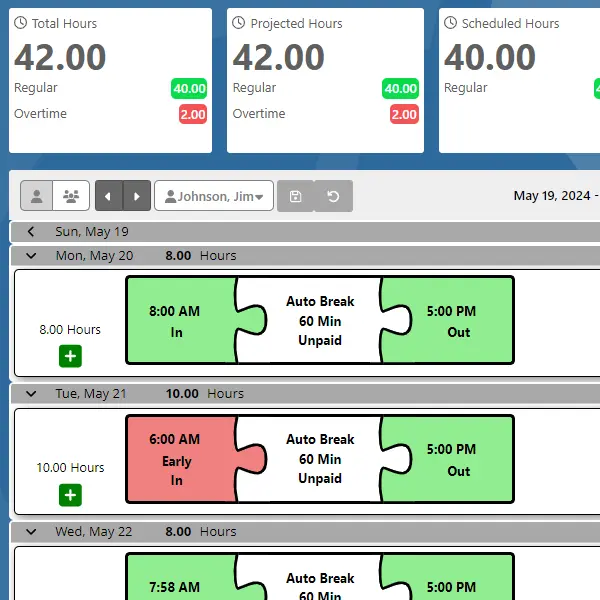
A cloud-based time clock doesn’t mean you give up physical hardware, it means the software that stores and processes your time data lives on secure, professionally managed servers instead of a computer in your back office.
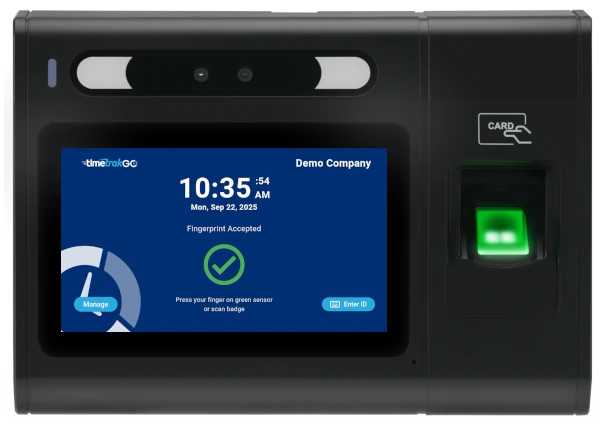
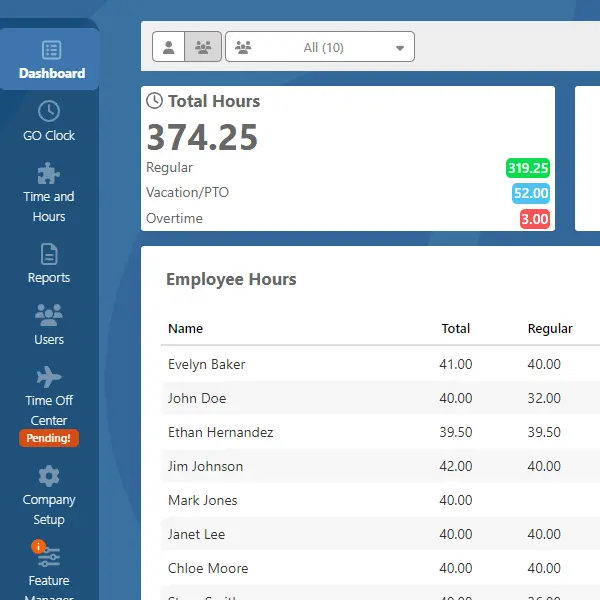
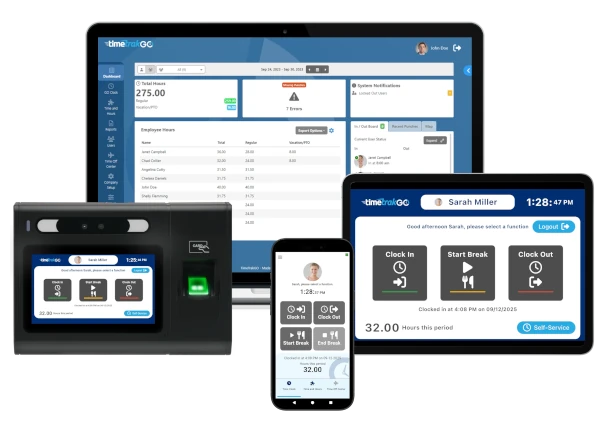
TimeTrakGO customers clock in through whatever method fits their team: a browser, the mobile app, a shared kiosk, or a dedicated physical device like a fingerprint clock, RFID reader, or facial recognition tablet. Every one of those options feeds into the same cloud-hosted system, so however your employees clock in, you get one dashboard, one set of reports, and data that’s backed up and accessible the moment you log in, from any location.
If you’re picturing a “cloud” system that’s software-only with no physical clock, that’s not a requirement, it’s just one option among several.
Cloud-Based vs. On-Premise: What's the Real Difference?
Before getting into pricing, it helps to see the two approaches side by side.
| Cloud-Based (TimeTrakGO) | On-Premise | |
|---|---|---|
| Upfront cost | None for software; hardware devices (if used) are a one-time purchase | Server hardware, licenses, and IT setup, often thousands upfront |
| Ongoing cost | Predictable monthly subscription | Server maintenance, IT staff time, periodic hardware refreshes, often an annual support agreement |
| Updates & security patches | Included automatically | Your responsibility to schedule and apply |
| Data backups | Handled for you | You manage your own backup strategy |
| Access | Any device, any location, with permissions | Typically limited to your local network unless you build remote access yourself |
| Scaling up or down | Adjust your plan as headcount changes | Often requires new hardware or licensing renegotiation |
The honest tradeoff: on-premise can feel like a one-time cost if you already have IT staff and infrastructure in place. For most small businesses, that "free" server isn't free, it's maintenance hours, security patching, and backup management that someone still has to do, usually without dedicated IT support.
What You’re Actually Paying For
This is usually the real question buyers have, and it’s a fair one: am I paying for hardware and a subscription, or just one of those?
Here’s exactly how it breaks down with TimeTrakGO:
Software subscription (per active user, only counted when active):
Essential — $3/user/month, no base fee. Web, mobile, and kiosk clocking, graphical time cards, scheduling, automatic holidays, basic GPS reports. No physical hardware required.
PLUS — $4/user/month + $20/month base fee. Everything in Essential, plus support for physical time clocks, geofence security, payroll integrations, custom pay codes, and PTO tracking.
Ultimate — $5/user/month + $30/month base fee. Everything in PLUS, plus labor allocation, labor transfers, AI Connect, premium days, and custom exports.
Paying annually instead of monthly saves 20% on all three tiers. Every plan includes a 14-day free trial, no credit card required, and free setup assistance.
Physical Hardware, If You Want It
Physical hardware (one-time purchase, only if you want a dedicated clock-in device):
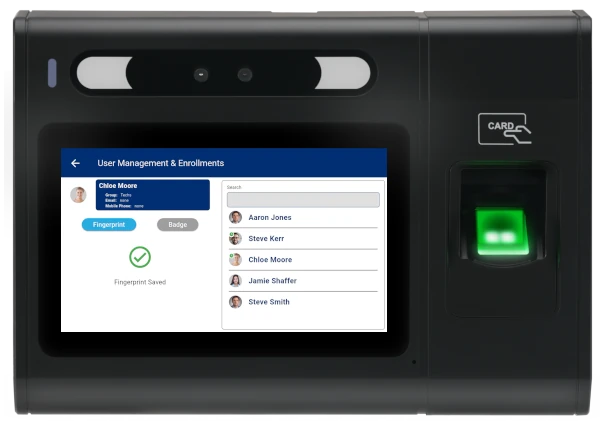
The GOtime5 fingerprint time clock starts at $549 with free shipping and a 1-year limited warranty. No per-device fees, no contracts, just the one-time hardware cost.
Other clock-in devices (RFID, PIN entry, facial recognition tablet app) are available at their own device pricing, see the options below.
So the honest answer: if your team can clock in from a browser, phone, or shared kiosk, you may never need to buy hardware at all, Essential covers that for $3/user/month with zero base fee.
If you want a dedicated physical clock to prevent buddy punching or fit a shop floor environment, you’re looking at a one-time device cost plus the PLUS plan or higher. There’s no hidden bundling, you can see exactly what each piece costs before you commit.
Everything the Subscription Includes
The monthly cost covers what you’d otherwise have to build, staff, or maintain yourself:
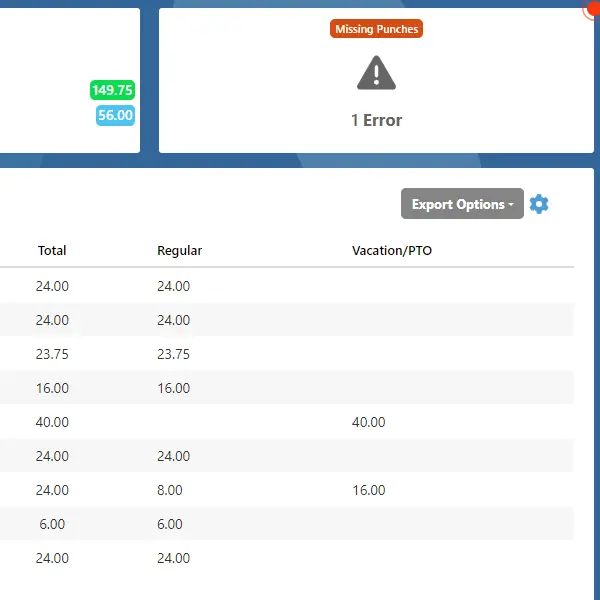
- Real-time dashboard with automatic error detection and one-click punch corrections
- Automatic updates and security patches, no maintenance windows to schedule
- Data backups and secure hosting, built on infrastructure designed to meet the requirements of security-sensitive organizations
- PTO automation with accrual tracking and electronic time-off requests
- Payroll integrations with ADP, Paychex, QuickBooks, Paylocity, Heartland, Sage 50, and Gusto
- US-based customer support via live chat, phone, and email, included at every tier
- Free setup and onboarding assistance, regardless of company size
Choose Your Clock-In Method
Choose Your Clock-In Method
Cloud-hosted software pairs with whatever clock-in method fits your workforce.
Fingerprint / Biometric
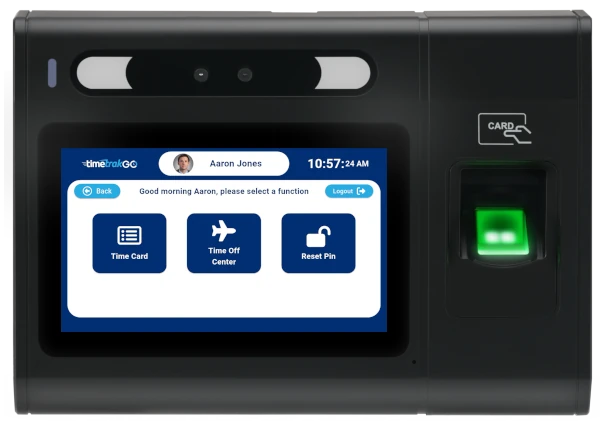
The GOtime5 is a dedicated fingerprint time clock built to stop buddy punching, starting at $549.
Fingerprint Time Clocks for Small Business
Facial Recognition
Prefer facial recognition, or want to compare biometric options side by side?
Face Recognition Time Clock System
Mobile App
Clock in from anywhere with GPS and geofence tracking built in.
Mobile Employee Time Tracking App with GPS
Web Login
No hardware needed. Web, mobile, and kiosk clocking are included on every plan, starting with Essential.
Online Employee Time Clock Software
RFID Card
Badge-based clocking for shared devices.
RFID Proximity Time Clock
PIN Entry
Turn a tablet into a traditional keypad time clock.
PIN Entry Tablet App
Is Cloud-Based Time Tracking Secure?
Security is a fair concern when your employee data lives off-site. TimeTrakGO runs on a data center and network architecture built to meet the standards of security-sensitive organizations, with strict access controls throughout.
Devices like the GOtime5 also support offline mode, so clock-ins are still captured and synced accurately even if your internet connection drops.
Your data remains accessible for as long as your account stays active, there’s no arbitrary cutoff or extra fee to retrieve your own records.
Trusted by Small Businesses
- Capterra Shortlist 2026
- Capterra Best Value 2026
- Software Advice Best Customer Support 2025
- Software Advice Front Runners 2026
Ready to see it in action? Start your free 14-day trial, no credit card required, or explore the full feature set on our Overview page.
Cloud-Based Time Clock Software Frequently Asked Questions
TimeTrakGO
Time Clock Software Benefits
Employee Time Clock Options
Integrate various clocking options for your entire workforce.
Finally, employee time clock software that’s simple to use.

Capterra
Shortlist
2026

Software Advice
Best Customer Support
2025

Software Advice
Front Runners
2026

Capterra
Best Value
2026
