
Time Card Calculator with Lunch
Use this free time card calculator to quickly total your weekly work hours, including lunch and meal break deductions. Just enter each day’s start time, stop time, and lunch length, and the calculator handles the rest, no manual math or spreadsheet formulas required.
New: This calculator now saves your time card data automatically, so you can come back each day to update your hours as the week progresses. It will also calculate an estimated gross pay based on your hourly rate, giving you a running total before payday.
| Day | Start Time | Stop Time | Lunch (min) | Hours |
|---|---|---|---|---|
| Total Hours Worked | 0.00
0h 00m
|
|||
For each day, select your start time, stop time, and lunch break length (none, 30 minutes, or 60 minutes). The calculator automatically subtracts your break time and totals your hours worked for the week in decimal format, ready to hand off for payroll.
Does This Calculator Include Overtime?
This calculator totals your hours worked after lunch deductions, so you can see at a glance when you’ve crossed into overtime.
Under federal law, most hourly employees earn overtime pay (1.5x their regular rate) for any hours worked over 40 in a week, though some states have daily overtime rules too.
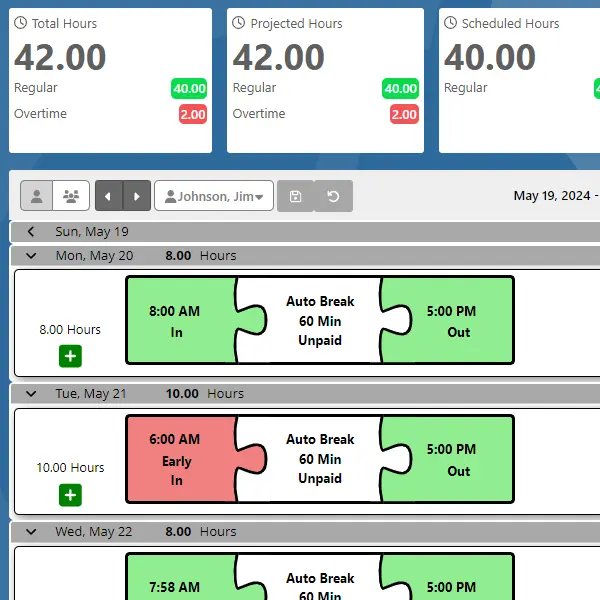
If you’d rather have lunch deductions and overtime calculated automatically every pay period instead of doing it by hand, TimeTrakGO’s work time clock system handles both automatically.
For small businesses that want to skip the spreadsheet entirely, our small business timesheet software automates the whole process, from clock-in to payroll export.
Time Card Calculator: Frequently Asked Questions
TimeTrakGO
Time Clock Software Benefits
Finally, employee time clock software that’s simple to use.

Capterra
Shortlist
2026

Software Advice
Best Customer Support
2025

Software Advice
Front Runners
2026

Capterra
Best Value
2026
