
Employee Time Clock app for iPad
Turn an iPad tablet into a simple employee time clock in minutes with our App!
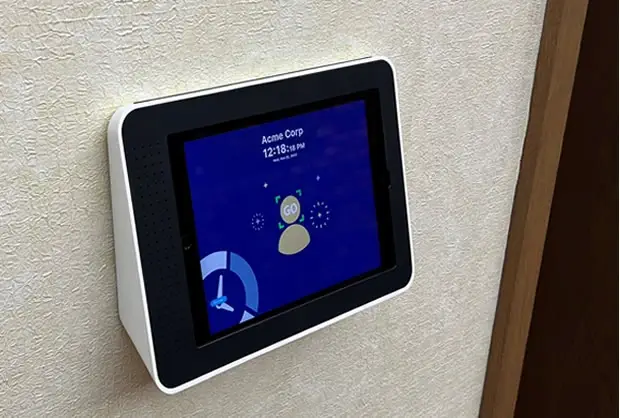
Use an ordinary iPad as an employee time clock with your choice of PIN entry or facial recognition. Employees tap the screen or look at the camera to clock in and out instead of recording their hours on paper timesheets.
Real-time reports give you instant visibility into employee hours, making payroll a breeze and boosting overall accuracy.
Whether you’re running a five-person crew or a team of two hundred, the setup and pricing scale with you, no extra hardware to buy as you grow.
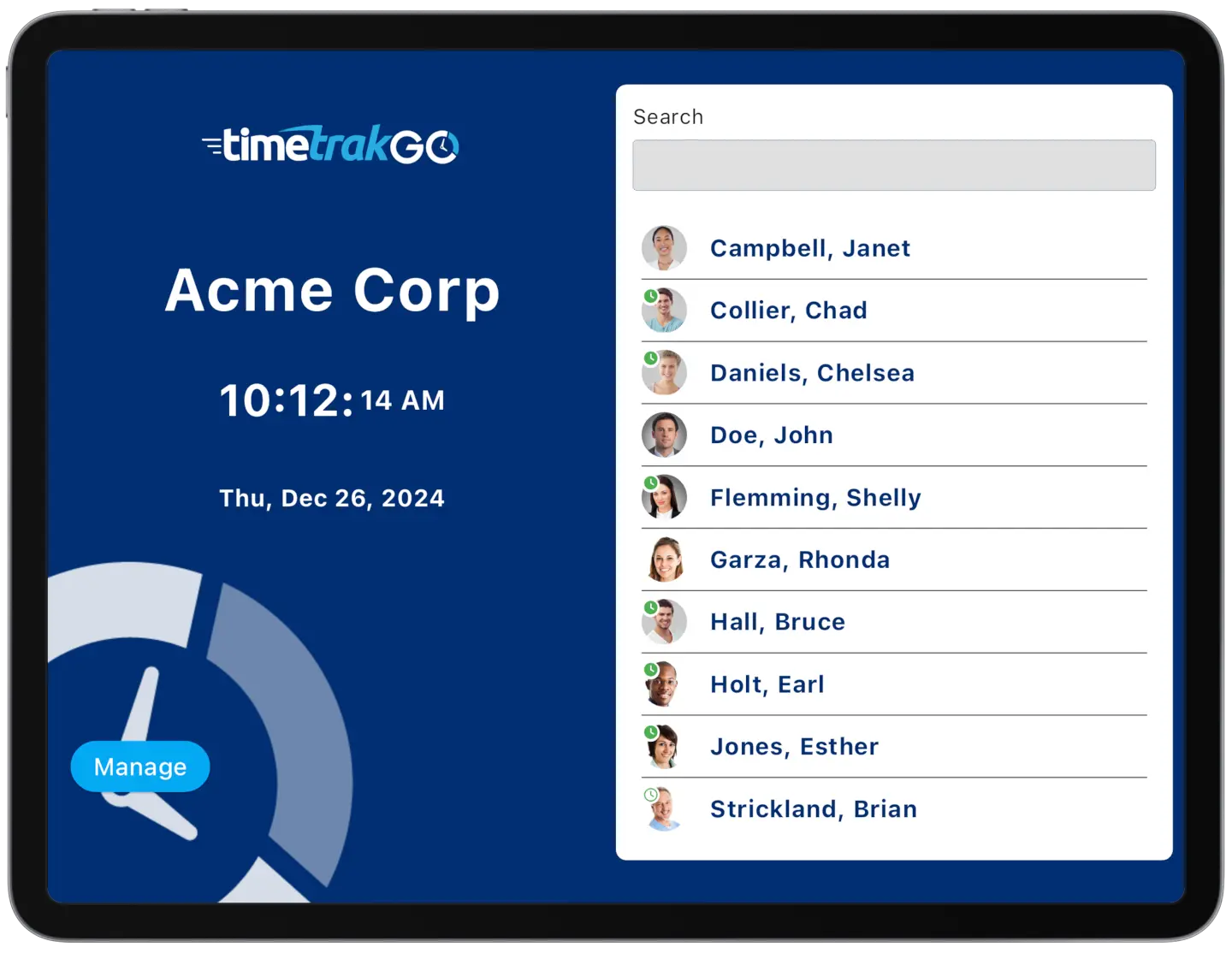
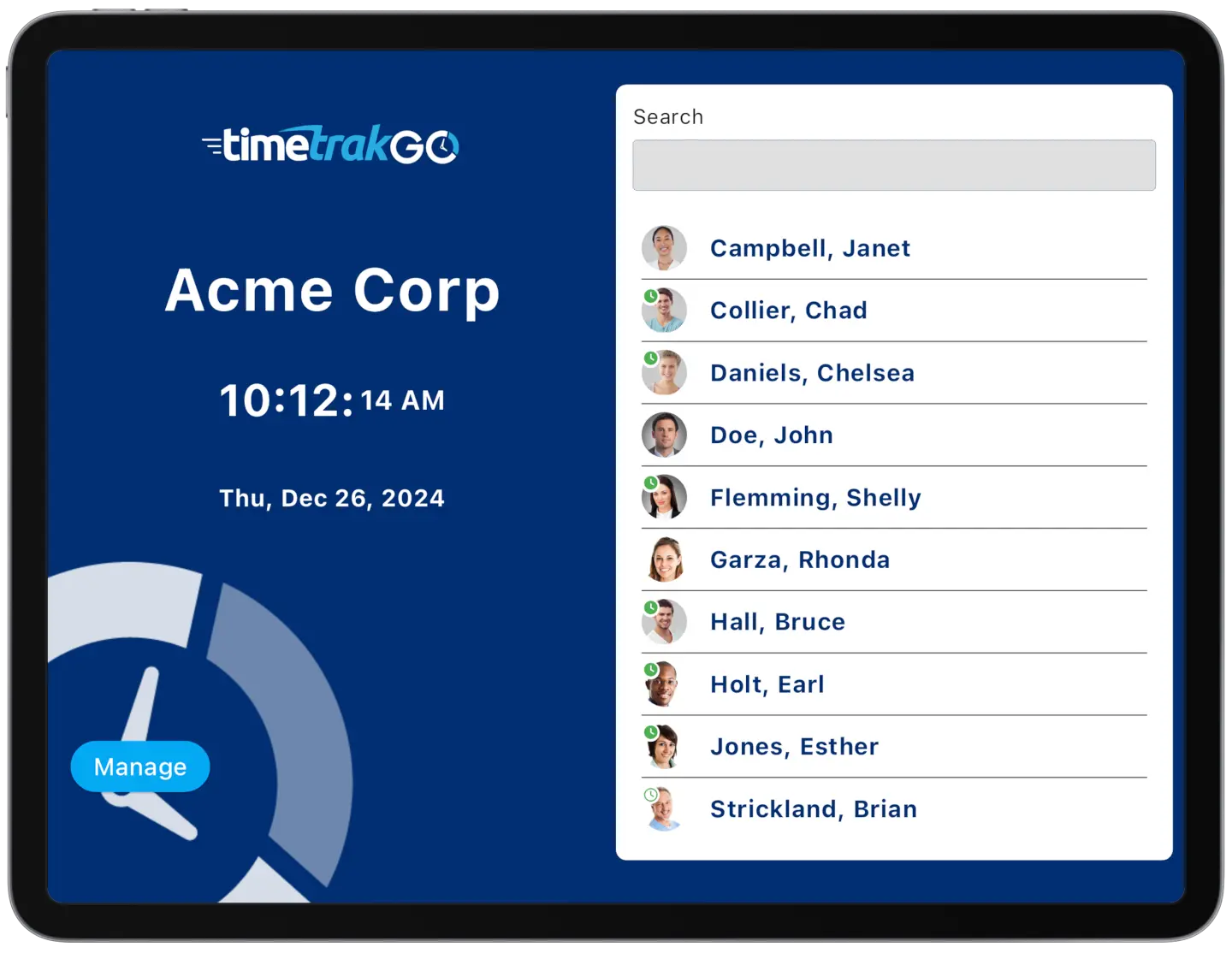
Choose PIN Entry or Facial Recognition
Our iPad app gives employees two ways to clock in: a simple PIN Entry Tablet App, or optional biometric Facial Recognition to reduce the risk of buddy punching and unauthorized access.
Both options work right on the same iPad, so you can pick whichever fits your team best, or offer both side by side. Setup takes just a few minutes, with no extra hardware or costly biometric scanners required.
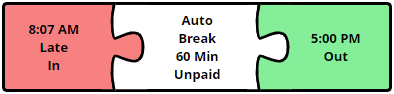
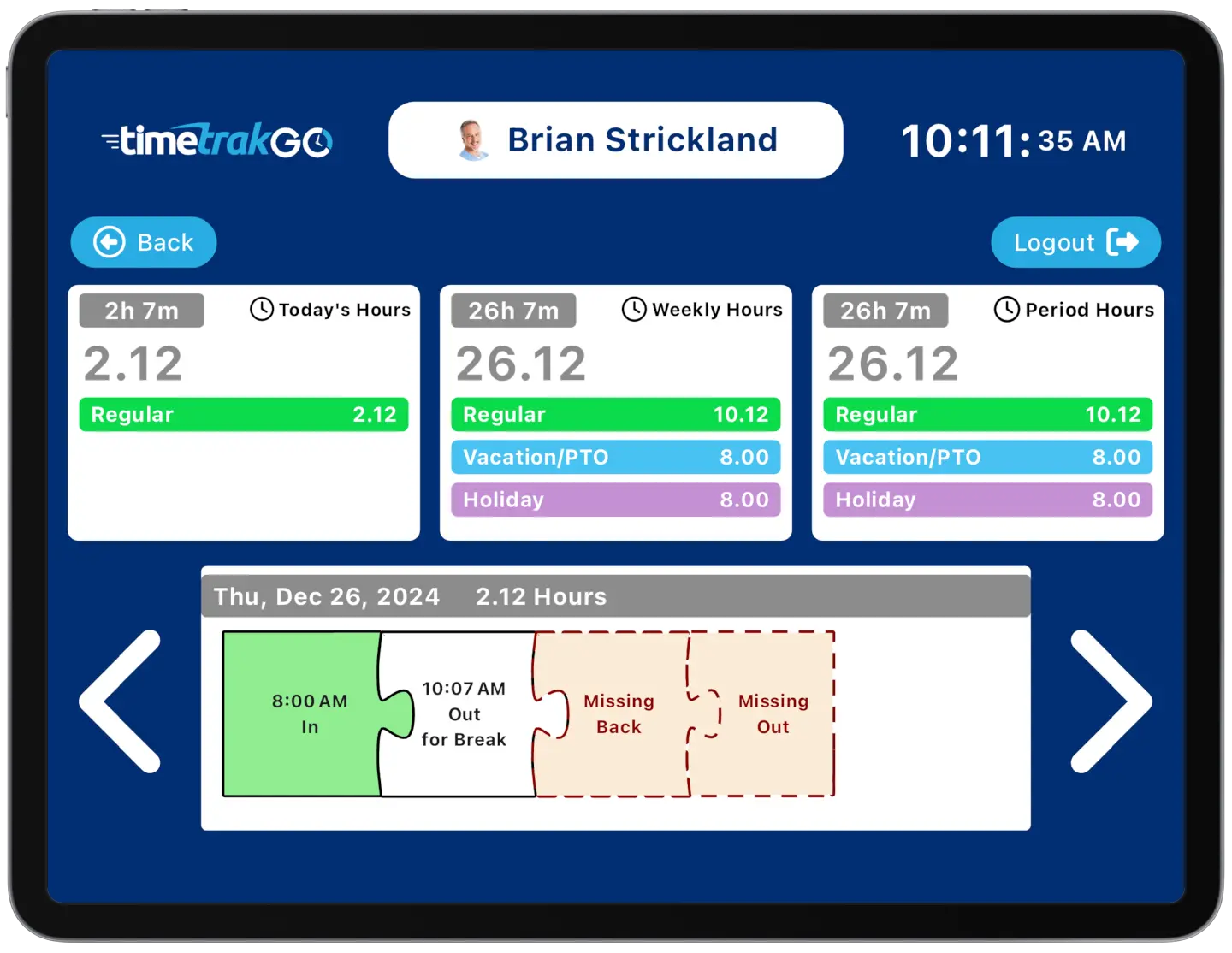
Intuitive Employee Self-Service
Employees can check their own hours right on the iPad, daily, weekly, or for the full pay period, without asking a manager to look it up.
The graphical timesheet shows their punches as a visual timeline instead of a table of numbers, so an employee can see exactly when they clocked in and out for any shift, not just a total at the end of the week.
iPad Time Clock App Replaces Traditional Punch Clocks
A single iPad replaces a wall-mounted punch clock, badge reader, or the stack of paper timesheets some businesses still keep around.
Employees clock in and out with a PIN or a glance, and you can check who’s on the clock from anywhere, not just from the device on the wall. If you’re ready to make the switch, we can have it running in a few minutes.
Additional Time Clock Features
TimeTrakGO offers several additional key features designed to streamline time tracking, attendance management, and payroll processes for businesses.
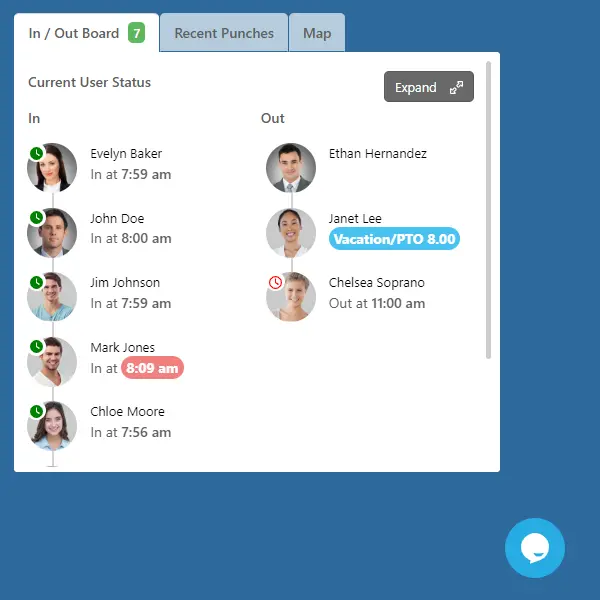
Live In/Out Board: Supervisors and admins see who’s clocked in right now, not just after the fact.
Role-Based Access: Admins, supervisors, and employees each see only what applies to them, with custom roles available too.
Payroll Integration: Hours and overtime calculate automatically and export to the payroll system you already use.
Time Off Requests: Employees submit PTO requests right from the iPad; supervisors approve with a tap.
PTO Accrual: Balances update automatically as employees earn time, no manual math needed.
Audit Trails: Every change to a punch or a user profile is logged, so you can always see who changed what.
iPad Time Clock App: Frequently Asked Questions
TimeTrakGO
Time Clock Software Benefits
Employee Time Clock Options
Integrate various clocking options for your entire workforce.
