


What To Know About Time Tracking Software Before Purchasing
Time tracking software can save real time and money when it’s the right fit, and become another piece of unused software when it isn’t. Before you buy, it helps to know exactly what the software does, what questions to ask any vendor, and what it takes to get your team using it well. Here’s what to look at before you make a decision.
What Time Tracking Software Actually Does
Good time tracking software replaces paper time cards and manual calculations with accurate, automatic records. At a basic level, it should let employees clock in and out from wherever they work, record time to the minute, and let managers see attendance and hours without chasing anyone down. Better systems go further, with scheduling, PTO tracking, and reporting on where hours are actually going.
What to Know About Cost
Most time tracking software, including TimeTrakGO, is priced per employee per month, often across a few plan tiers that add features like PTO tracking, scheduling, and advanced reporting as you move up. Before purchasing, ask any vendor for a clear per-employee rate and a breakdown of what’s included at each tier. Rates change often, so treat any number you’ve seen elsewhere as a starting point and confirm current pricing directly on the vendor’s site. TimeTrakGO’s current plans and pricing are listed at timetrakgo.com/pricing.
Trial Length and Contract Terms
Ask whether you can test the software with your own team before committing, and for how long. TimeTrakGO offers a 14-day free trial with no credit card required, so you can try it with real employees and real time cards before paying anything. Also ask directly whether you’re signing a contract or paying month-to-month, and what the cancellation process looks like. These terms vary by vendor, and it’s worth getting a straight answer before you sign up.
Choosing the Right Clock Type for Your Team
Not every team clocks in the same way, and the right hardware or app depends on how your employees actually work. A mobile app with GPS makes sense for field crews and remote employees who need to clock in from job sites. A web-based kiosk works well for a shared office computer. Fingerprint or facial recognition time clocks address buddy punching directly, which matters more for larger teams or environments where it’s been a problem. If you have a mix of office and field employees, look for software that supports multiple clock types under one account, so each employee can use the method that fits how they work.
Confirm Payroll Integration Before You Buy
If time tracking software doesn’t connect cleanly to your payroll system, you’re just trading one manual step for another. Ask specifically whether the software integrates with your payroll provider, whether it’s a direct sync or a CSV export you’ll import yourself, and how it handles both regular and overtime hours in the same pay period. TimeTrakGO integrates with QuickBooks, ADP, Paylocity, Gusto, Paycor, isolved, UKG, and several other payroll platforms through its Payroll Bridge export tool.
Setup, Support, and What Happens After You Buy
Ask how long setup actually takes and whether you’ll need IT help to get it running. TimeTrakGO includes free setup assistance and a quick-start wizard, so most small businesses are up and running in minutes rather than days. Also ask what support looks like once you’re a customer: is it email-only, or can you reach a real person by phone? TimeTrakGO provides US-based phone support at (888) 321-9922.
Rolling It Out Without the Pushback
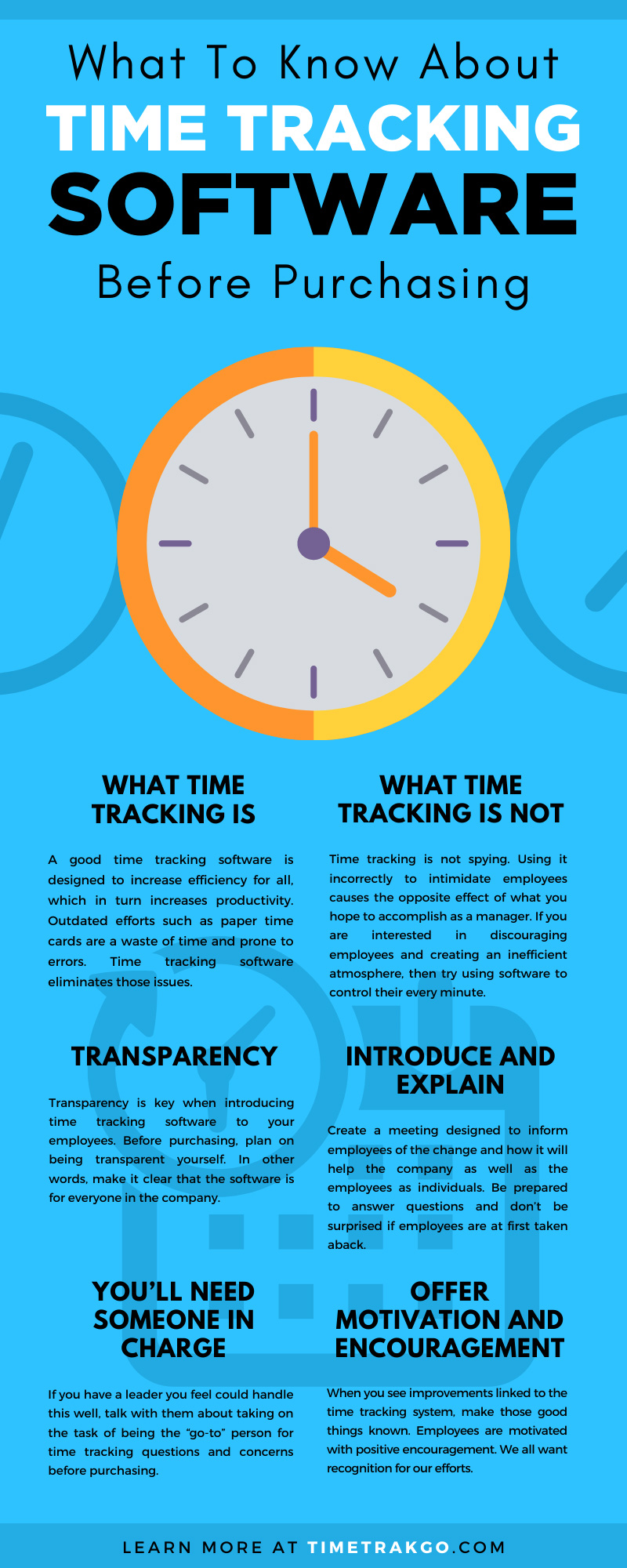
How you introduce time tracking software matters almost as much as which one you pick. Explain the change to employees before it happens, and be upfront about why you’re making it. Managers and owners should use the system too, alongside hourly staff. A system that only tracks “lower-level” employees reads as surveillance, while one applied evenly reads as a normal part of how the business runs. Plan for a short adjustment period, check in with employees after the first month, and expect early questions to fade quickly once the system becomes routine.
At TimeTrakGO, we offer web-based time clock software built for small businesses, with the setup support and payroll integrations to back it up. If you’re evaluating options, our team can walk you through pricing, trial setup, and payroll integration for your specific business.
About the Author: Brandon Zimmerman





