

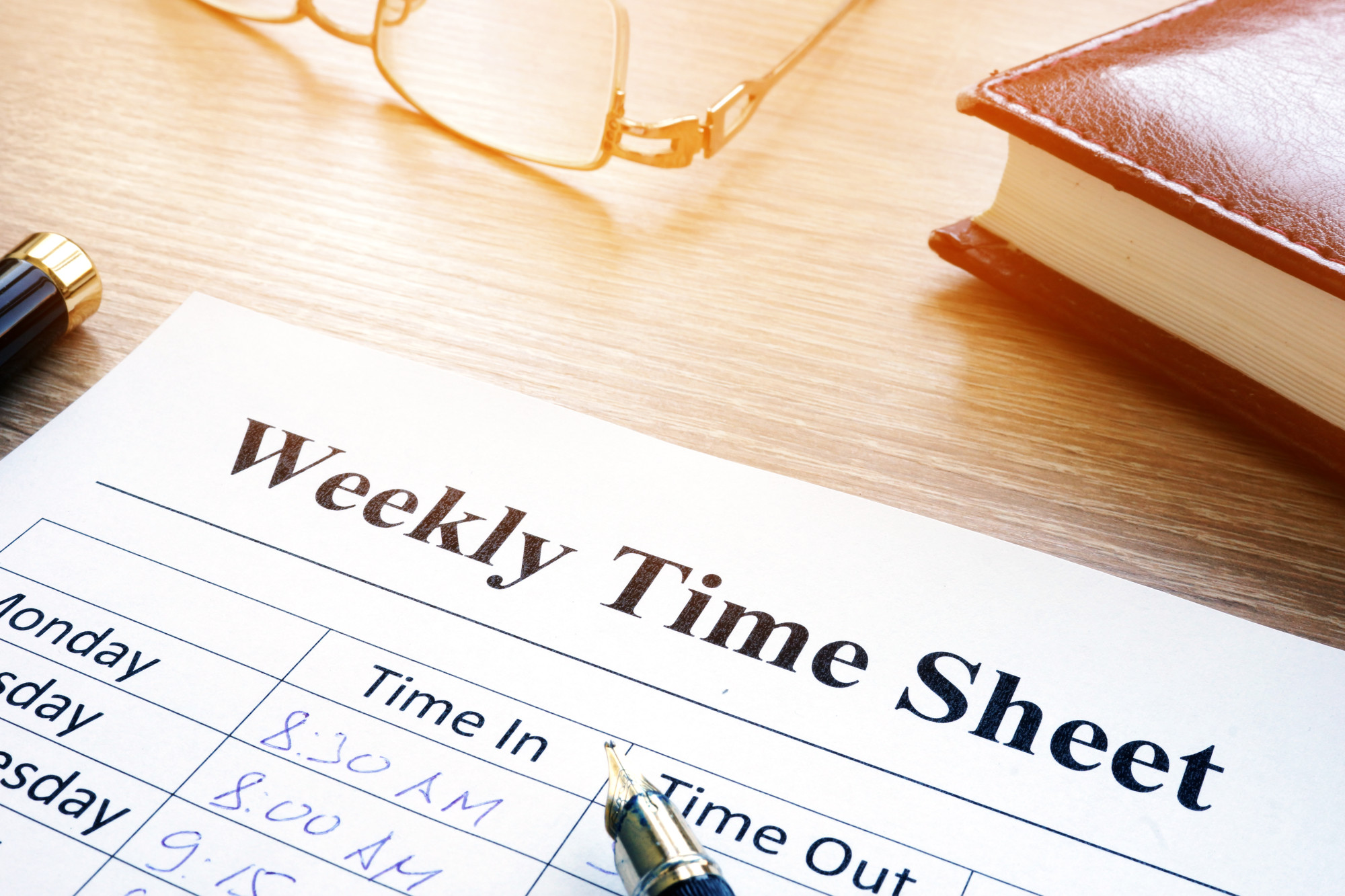
The Best Ways to Accurately Track Employee Hours
There’s no single best way to track employee hours for every business, but the options break down into three categories: physical time clock hardware, cloud-based time tracking software, and mobile apps. Each has real tradeoffs in cost, accuracy, and what it takes to set up. Here’s how to think through which one fits your business, including whether you can skip expensive hardware altogether.
Time Clock Hardware
Physical time clocks, like a wall-mounted card swipe or PIN pad, record punches automatically, which is more accurate than a paper timesheet filled out by hand. But a badge or PIN only confirms that a code was entered, not that the right person entered it, since either one can be handed off to a coworker. A fingerprint reader closes that gap by verifying the person directly, though it costs more and needs periodic maintenance. Either way, hardware typically doesn’t integrate with scheduling or payroll on its own, and it isn’t practical for a crew that moves between job sites throughout the day.
Time Clock Software (Cloud-Based)
Cloud-based time tracking software, like TimeTrakGO, removes the need for standalone hardware altogether. Employees clock in through a web browser or a shared computer, and the software handles scheduling, overtime, and reporting in one place, which a basic time clock can’t do on its own.
Because everything is recorded automatically from the moment someone clocks in, there’s nothing to reconcile by hand at the end of a pay period, and the software’s exception reporting flags errors as they happen. TimeTrakGO’s graphical time card also lays hours out visually, which makes it easier to spot a missed punch or unusual overtime at a glance.
Mobile Apps
A mobile app extends the same idea to a workforce that isn’t tied to one location. TimeTrakGO’s mobile app uses GPS to confirm where a punch happened, so a manager can see which job site or client location an employee clocked in from, not just that they clocked in at some point during the day.
This is useful for a business with more than one job site, since a manager can approve time remotely instead of walking the floor to check on people directly. Automatic notifications and the ability to approve leave requests from the same app cut down on a lot of back-and-forth over text or phone calls.
Which Option Is Best for Payroll
For payroll specifically, what matters most is whether the hours flow into payroll without manual re-entry or double-checking by hand. Software that exports directly to payroll, whether that’s QuickBooks, ADP, Paylocity, Gusto, or Paycor, removes an entire manual step where transcription errors usually creep in. That step matters more for payroll accuracy than whether the underlying hardware is a fingerprint reader, a badge, or nothing at all.
There isn’t one universal best way to track employee hours. A single-location retail business might do fine with a shared kiosk. A field service company needs GPS-verified mobile punches. What matters across all of them is whether the system produces accurate hours automatically, with nothing to hand-reconcile at the end of the week. See TimeTrakGO’s time clock options to compare against how your team actually works.
About the Author: Brandon Zimmerman





