
QuickBooks Compatible Time Clock System
Simple employee time clock system that works with QuickBooks.
TimeTrakGO time clocks connect directly to QuickBooks Desktop, so hours worked flow straight into the Timesheet module without anyone retyping them. No double entry, no reconciling two systems, no chasing down a missing punch before payroll runs.
Less manual work means fewer typos in your payroll data and fewer hours spent by your finance and HR team checking numbers that should have been right the first time.
Web-Based Online Time Clock for QuickBooks
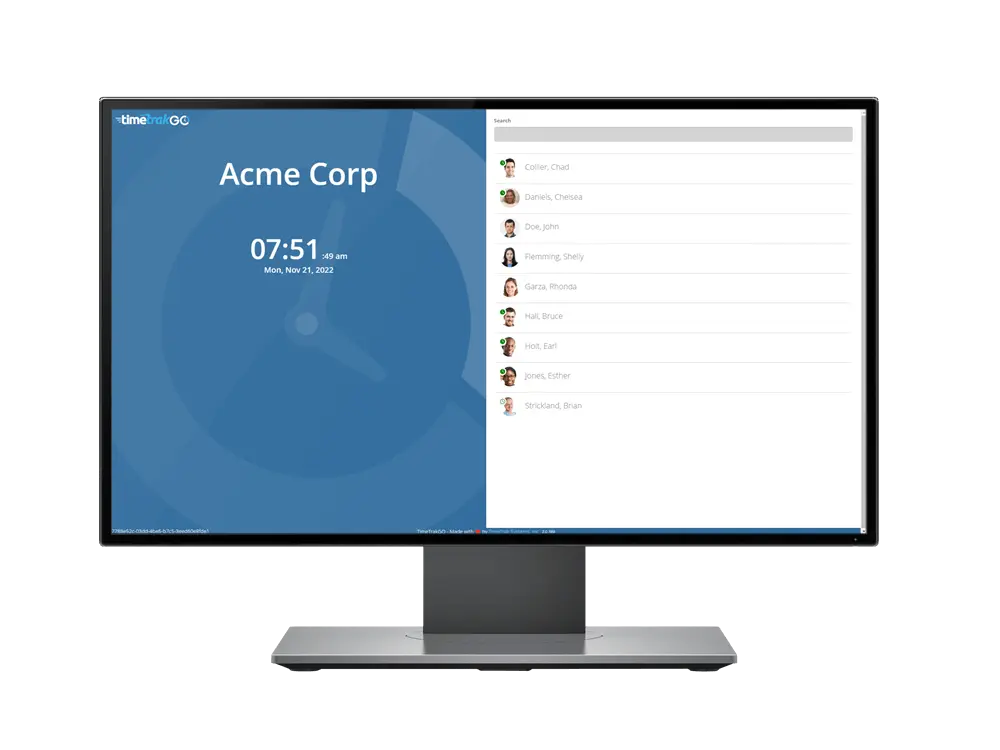
Don’t need dedicated hardware at all? TimeTrakGO’s browser-based time clock turns any computer into a virtual punch clock for office or remote employees.
Hours captured online flow directly into QuickBooks Desktop alongside your fingerprint, facial recognition, RFID, and mobile app punches, all one unified data feed, however your team clocks in.
RFID Badge Time Clock for QuickBooks
Prefer a badge over biometrics? TimeTrakGO’s RFID time clock lets employees clock in and out with a quick tap of their assigned proximity card, no fingerprint or facial scan required.
Every hour syncs directly with QuickBooks Desktop, so badge-based punches get exported to payroll the same way any other clock option does
Fingerprint Time Clock for QuickBooks
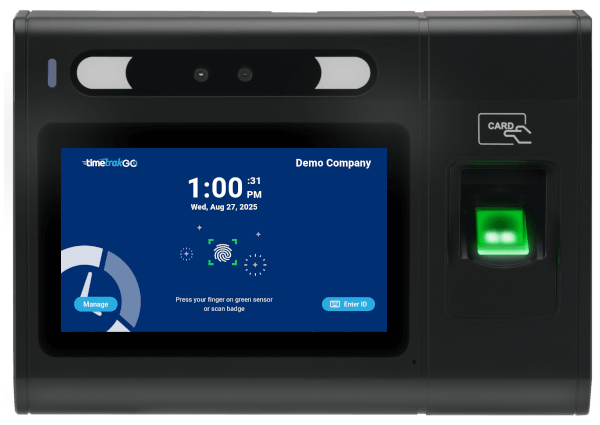
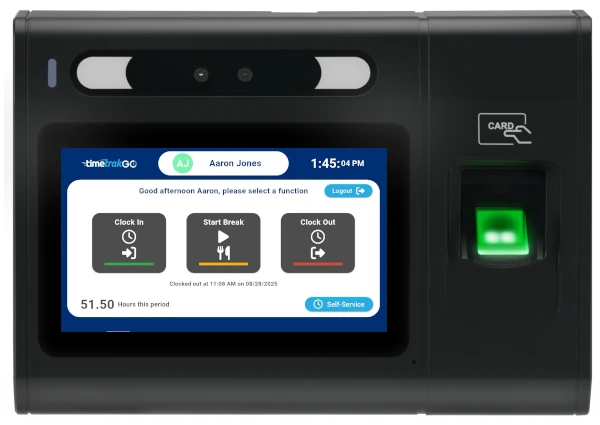
TimeTrakGO’s fingerprint time clock replaces badges and paper time cards with a single scan that takes about a second to verify. There’s nothing to lose, forget, or hand off to a coworker.
Every hour syncs to your existing QuickBooks Desktop setup the same way the other clock options do, so switching to fingerprint doesn’t mean setting up a separate system.
Time Clock System for QuickBooks Payroll
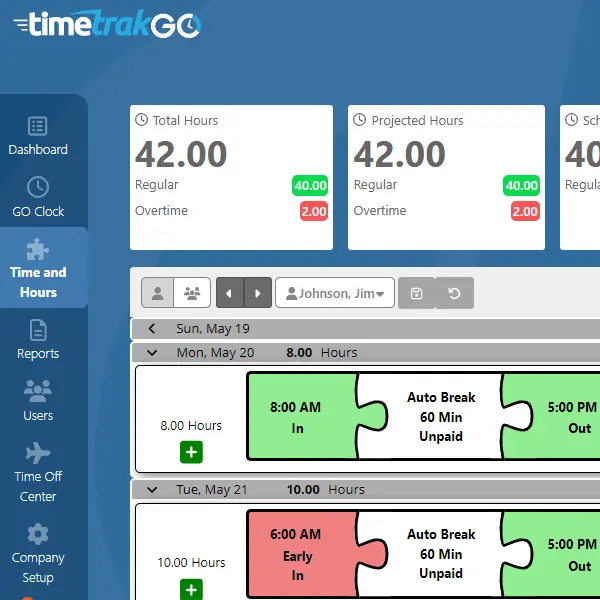
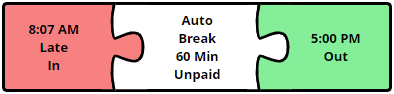
Employees clock in and out with a tap, and managers get the other half of that: a dashboard to review and approve time cards without waiting for payroll week to catch a missing punch or an employee heading into overtime.
Any correction a manager makes is time-stamped and logged, so there’s a record of who changed what before those hours ever sync to QuickBooks
Facial Recognition & PIN Time Clock App for QuickBooks
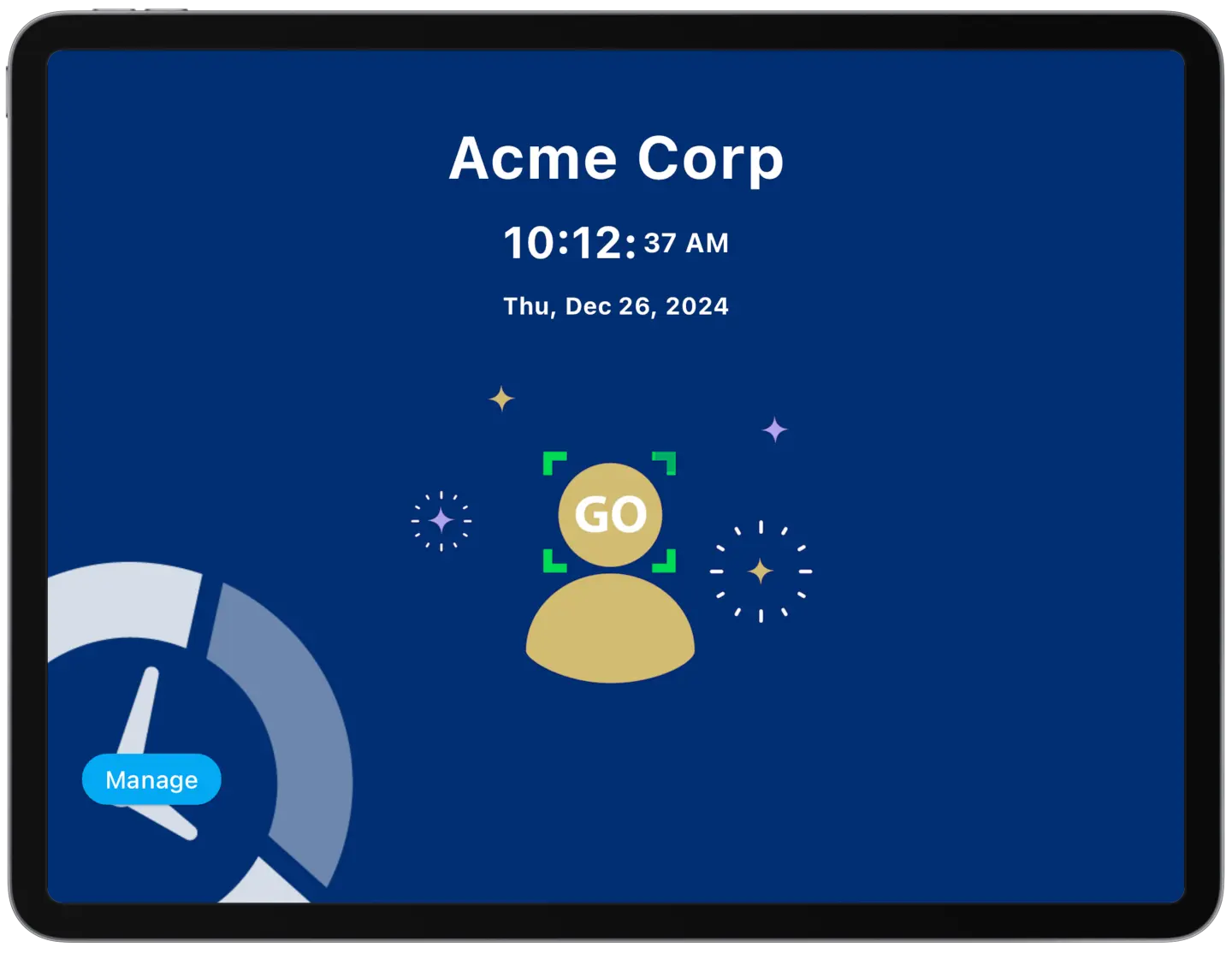
Prefer an app over dedicated hardware? TimeTrakGO’s tablet app turns an ordinary iPad or Android device into a punch clock with facial recognition or PIN entry, no proprietary hardware required.
Punches sync straight to QuickBooks Desktop just like every other clock option, so you get modern, low-cost hardware without giving up payroll automation.
Looking for a dedicated hardware clock instead of a tablet app? See our physical time clock for QuickBooks.
GPS Time Clock App for QuickBooks
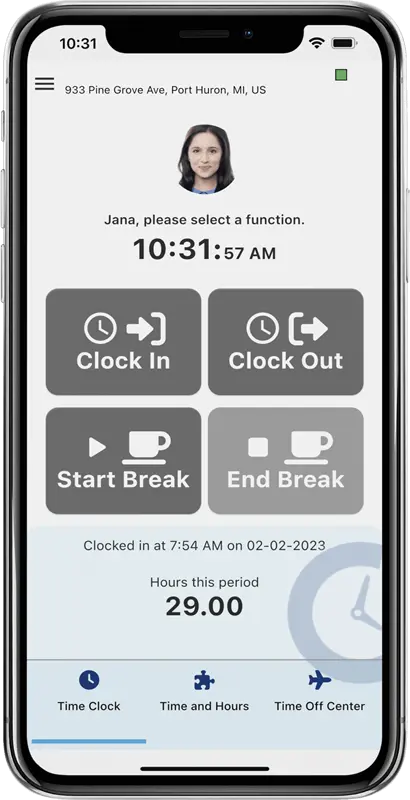
For employees who aren’t at a desk or a fixed clock, TimeTrakGO’s mobile app tracks hours from wherever they’re working. Clocking in and out takes one tap on their own phone or tablet.
- GPS Location: Each punch from the mobile app contains GPS location details easily accessible on an embedded map.
- Geofence Security: Additional security is available with our optional Geofence to prevent clocking from unauthorized locations.
- Employee Self-Service: Allows employees to view their own timecards and PTO Balances.
- Time Off Requests: Employees can easily request Paid Time Off such as Vacation, Sick, etc.
TimeTrakGO
Time Clock Software Benefits
Employee Time Clock Options
Integrate various clocking options for your entire workforce.
