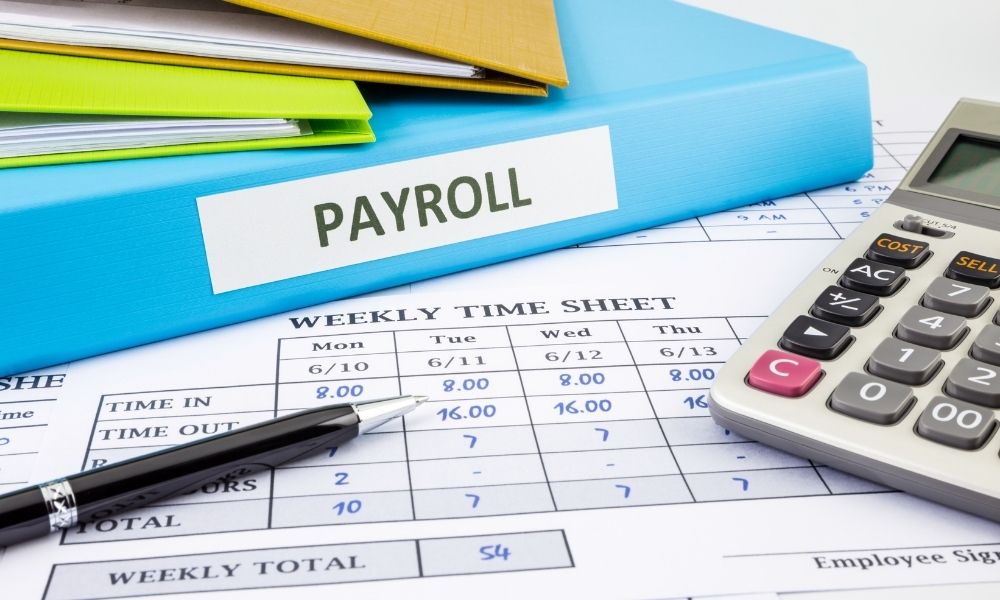
Payroll errors usually start at the time clock, not in the payroll software itself. A missed punch here, a hand-typed timesheet there, a spreadsheet formula that’s slightly off, and by the time payroll runs, it’s real money. The fix isn’t a better payroll tool. It’s catching the problem earlier.
Here’s what we’d actually look for in a small business time clock, based on what our own customers ask about most.
1. Mobile clock-in for teams that aren’t at a desk
If your crew is on job sites, making deliveries, or working from home, this is the one that matters most. Employees clock in from their phone, and the punch lands in the same system as everyone else’s, no separate spreadsheet to reconcile later.
2. GPS that actually verifies the punch
A mobile clock-in is only as trustworthy as the location behind it. GPS confirms someone clocked in from where they said they were. For field service or multi-location teams, that’s the difference between a real record and a guess.
3. Overtime that calculates itself
Nobody should be doing overtime math by hand, especially once you’ve got a mix of daily and weekly rules, or employees splitting time across departments. The software should apply the rule the moment the hours accrue, not the week after.
4. A dashboard that flags problems before payroll does
Finding a missed punch on payroll day means someone’s check is wrong and someone else is scrambling. A dashboard that surfaces missed punches and overtime as they happen buys you time to fix it first.
5. Payroll integration that isn’t a CSV export
If hours don’t flow straight into ADP, Paychex, QuickBooks, Gusto, or whatever you’re already running, you’re re-entering data by hand, and that’s where errors creep back in.
A few questions worth asking before you commit to any of them: Can employees actually use it without training? Does it talk to your payroll system directly? When something breaks, is there a person you can call? And is the pricing what it says it is, or is there a setup fee waiting in the contract?
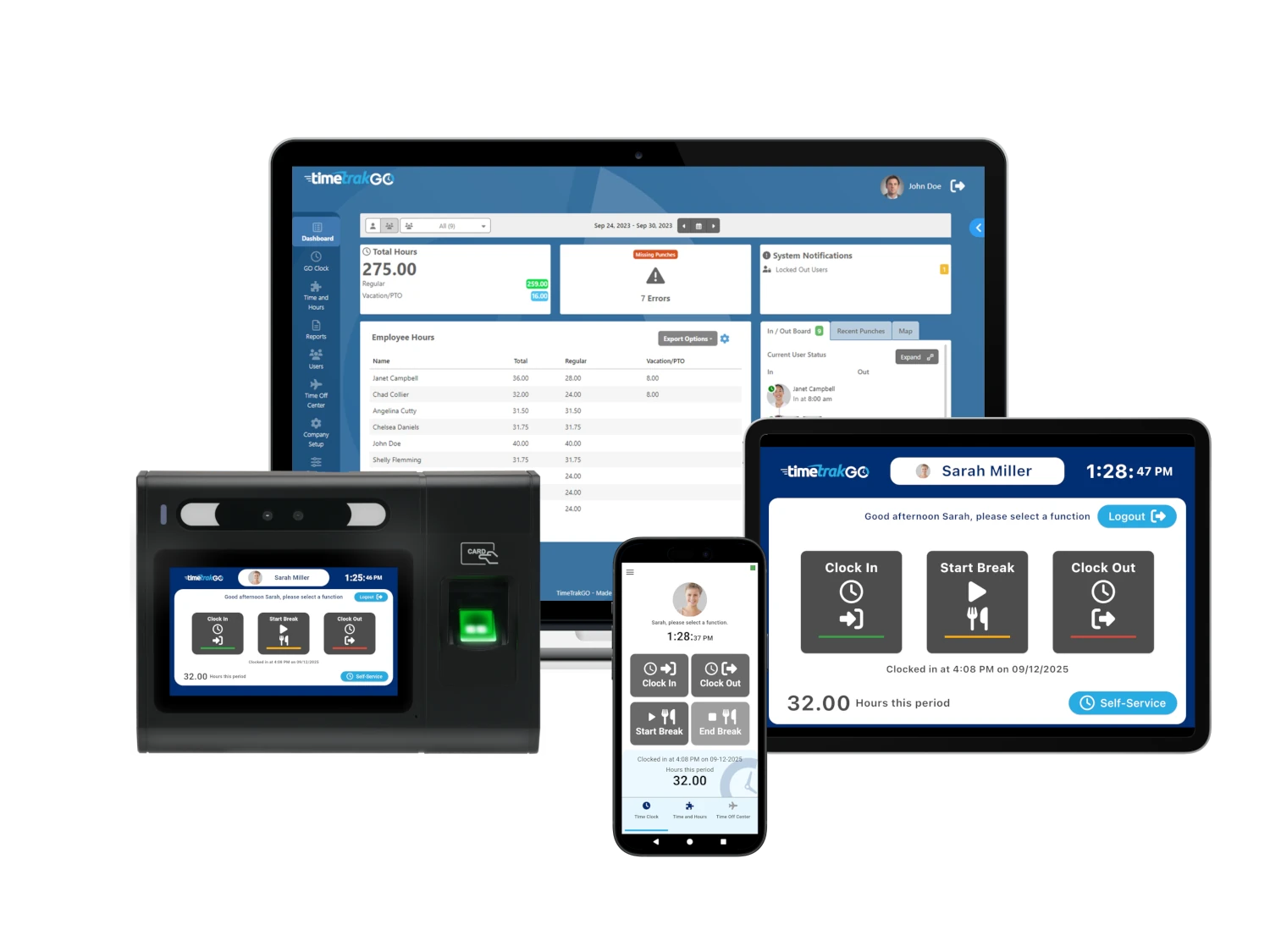
We built TimeTrakGO around these five things specifically, mobile, web, kiosk, and biometric clock-in options; GPS and geofencing for field teams; automatic overtime; a real-time dashboard; and direct integration with ADP, Paychex, QuickBooks, Gusto, and more. Get in touch and we’ll show you how it fits your team.
About the Author: Brian Zurawski